

Switchboard
A fast app for macOS and Windows that runs and keeps track of your Claude Code sessions.
For Macs with Apple Silicon and for Windows 10 and 11. Needs Claude Code, signed in.
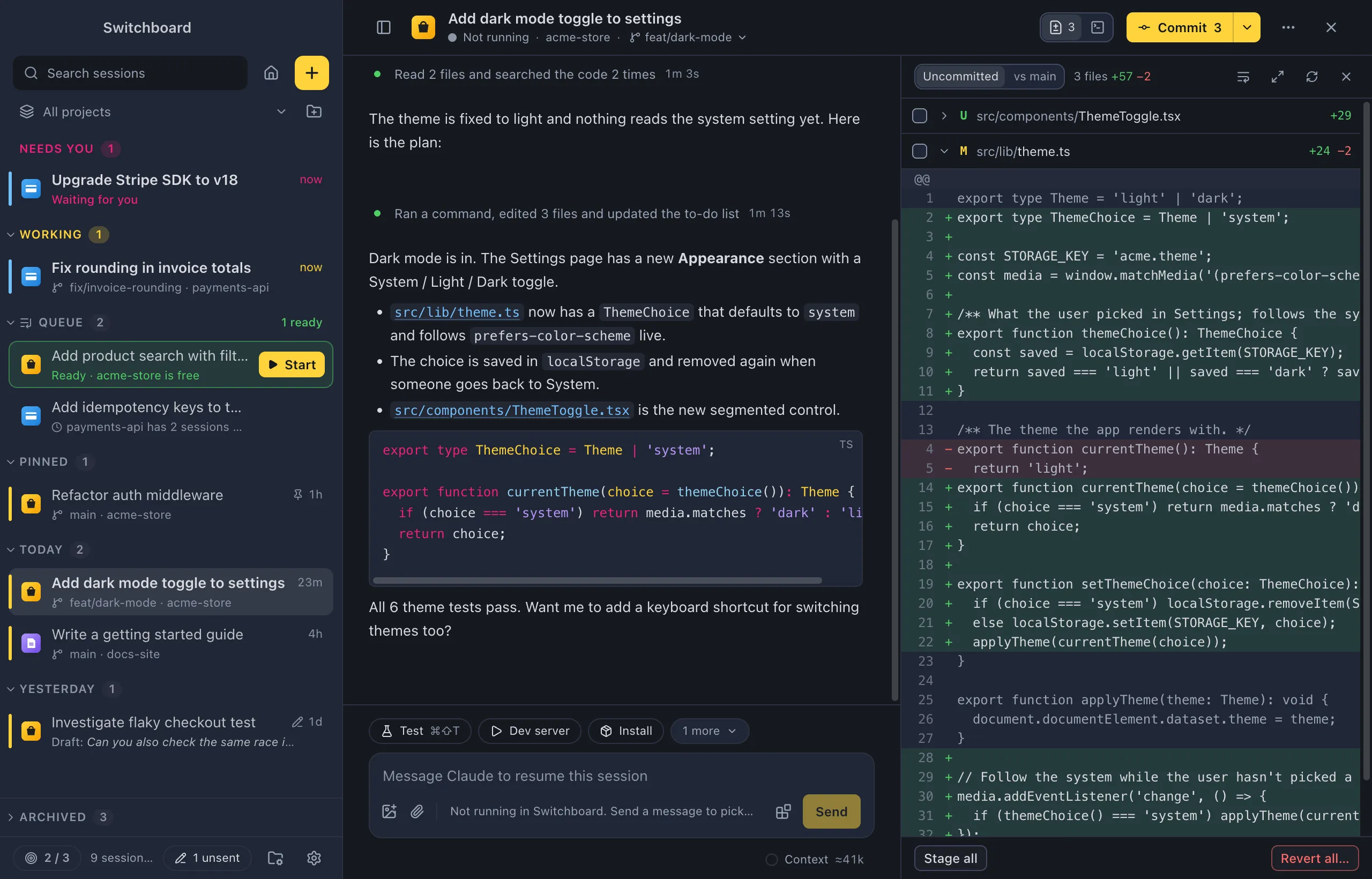
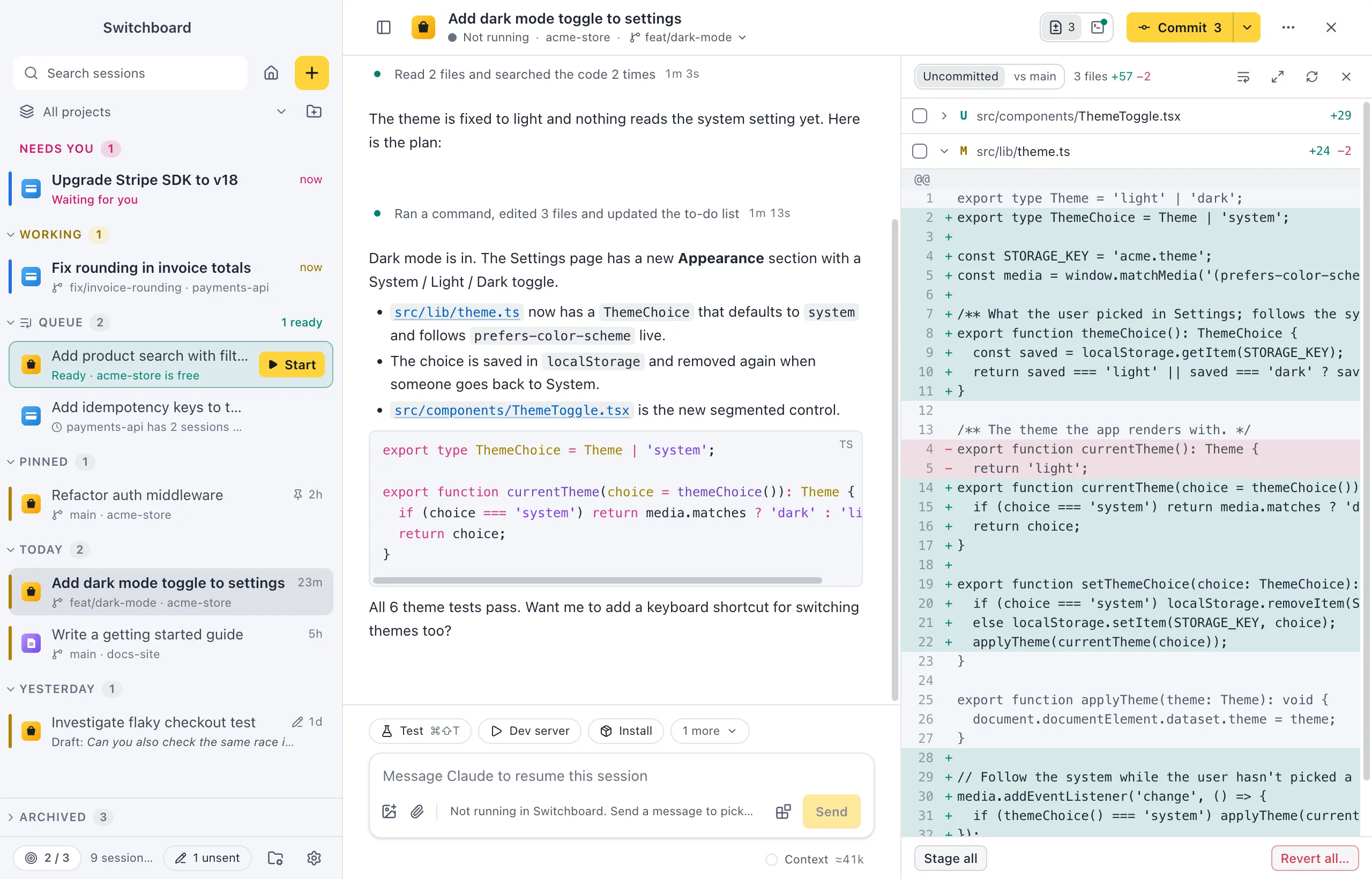
Switchboard puts all your Claude Code sessions in one window: the ones you start in the app, and the ones running in your terminal. It uses the Claude Code you already have, with your login, settings, commands and skills. Nothing extra to sign in to.
Watch the one-minute tour
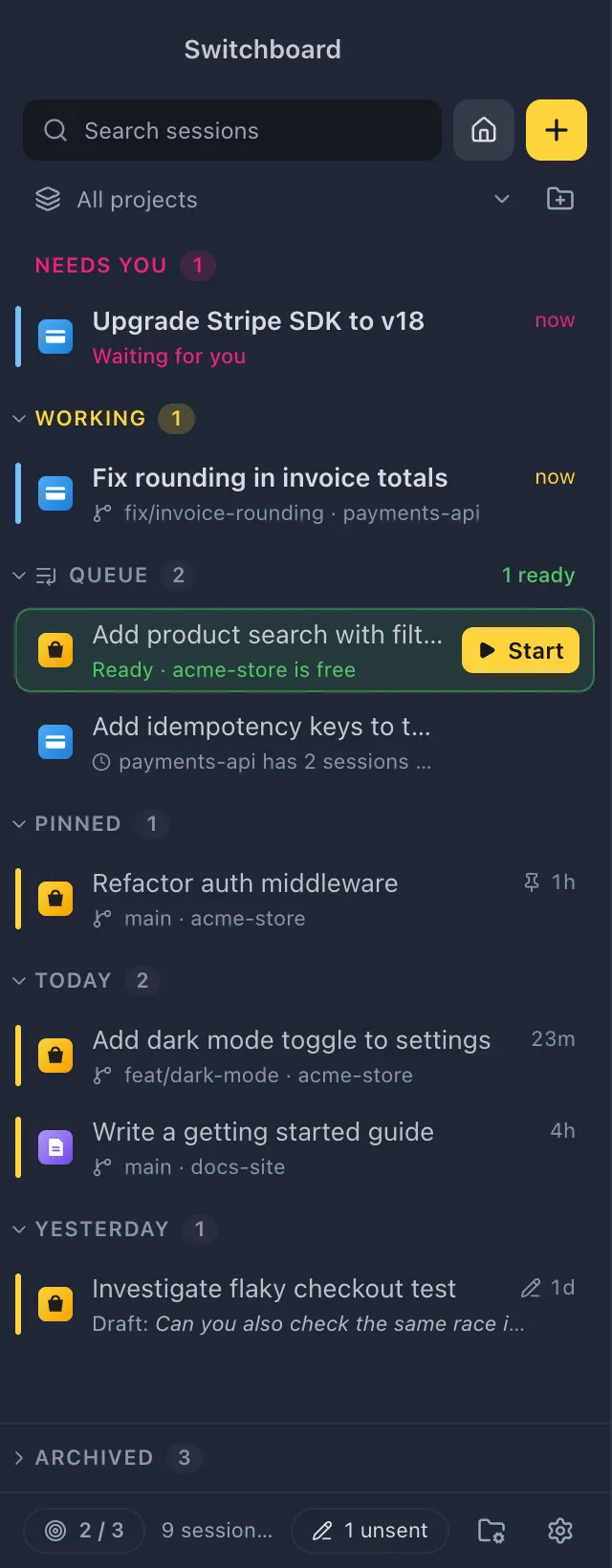
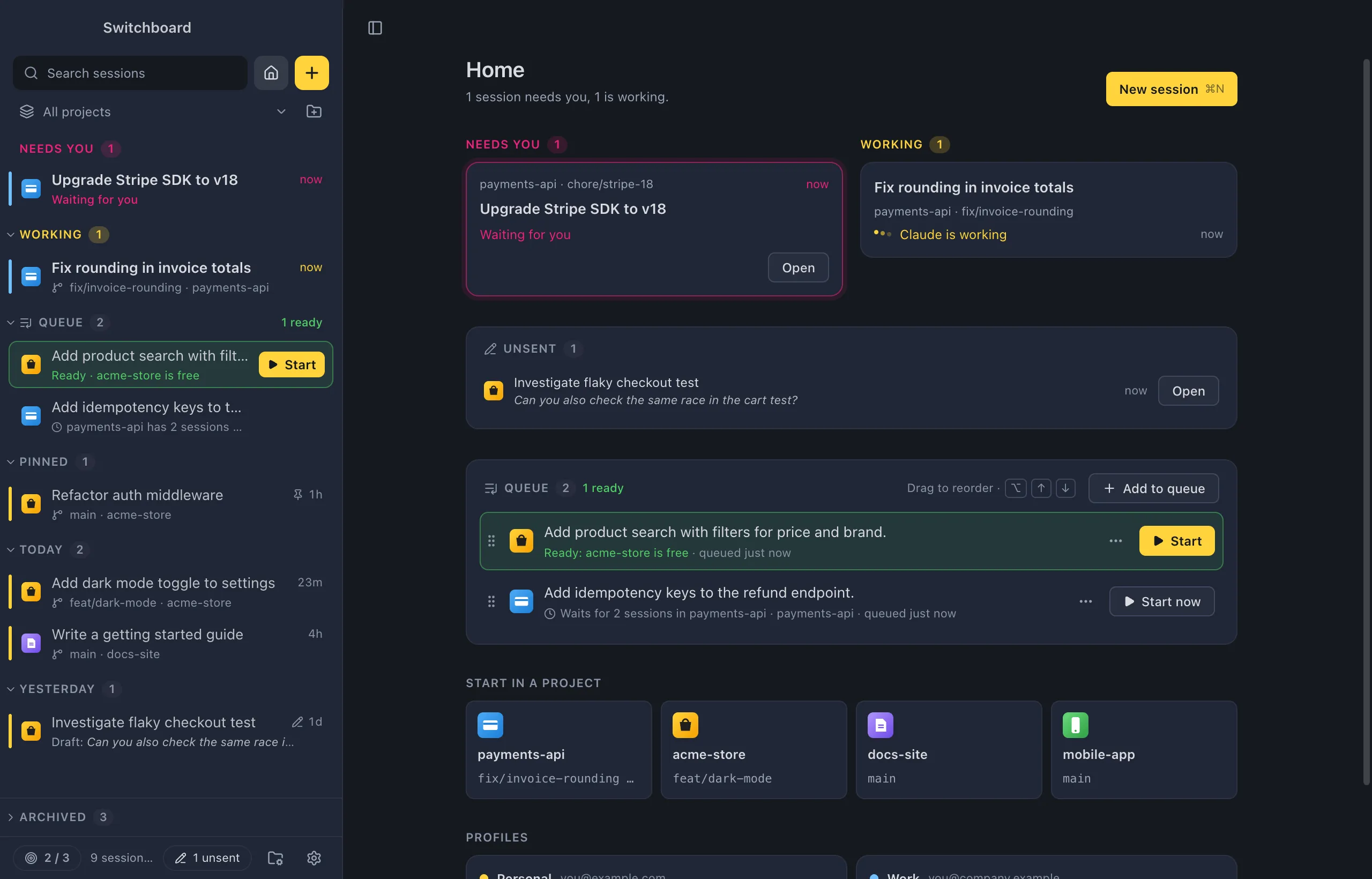
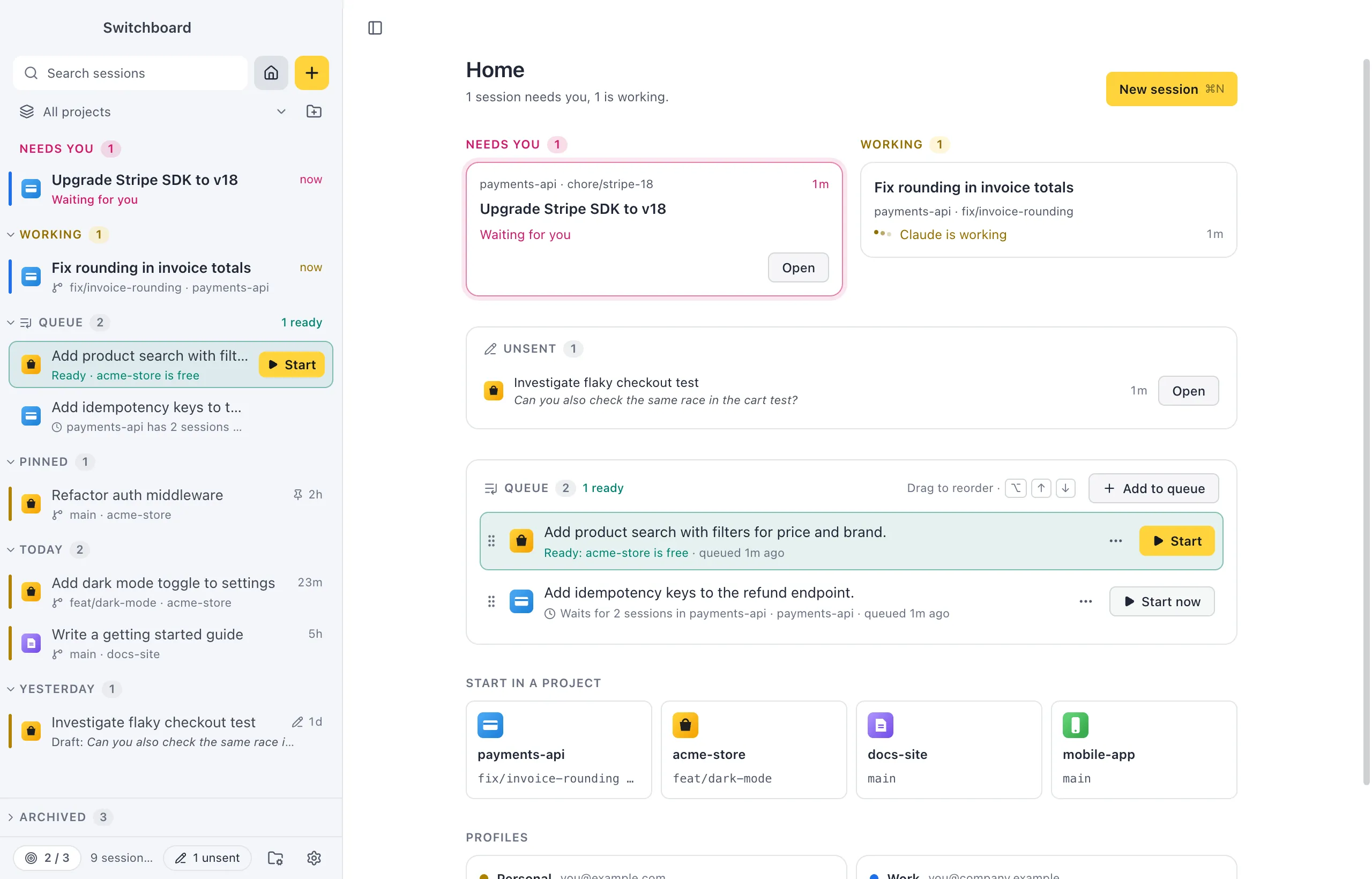
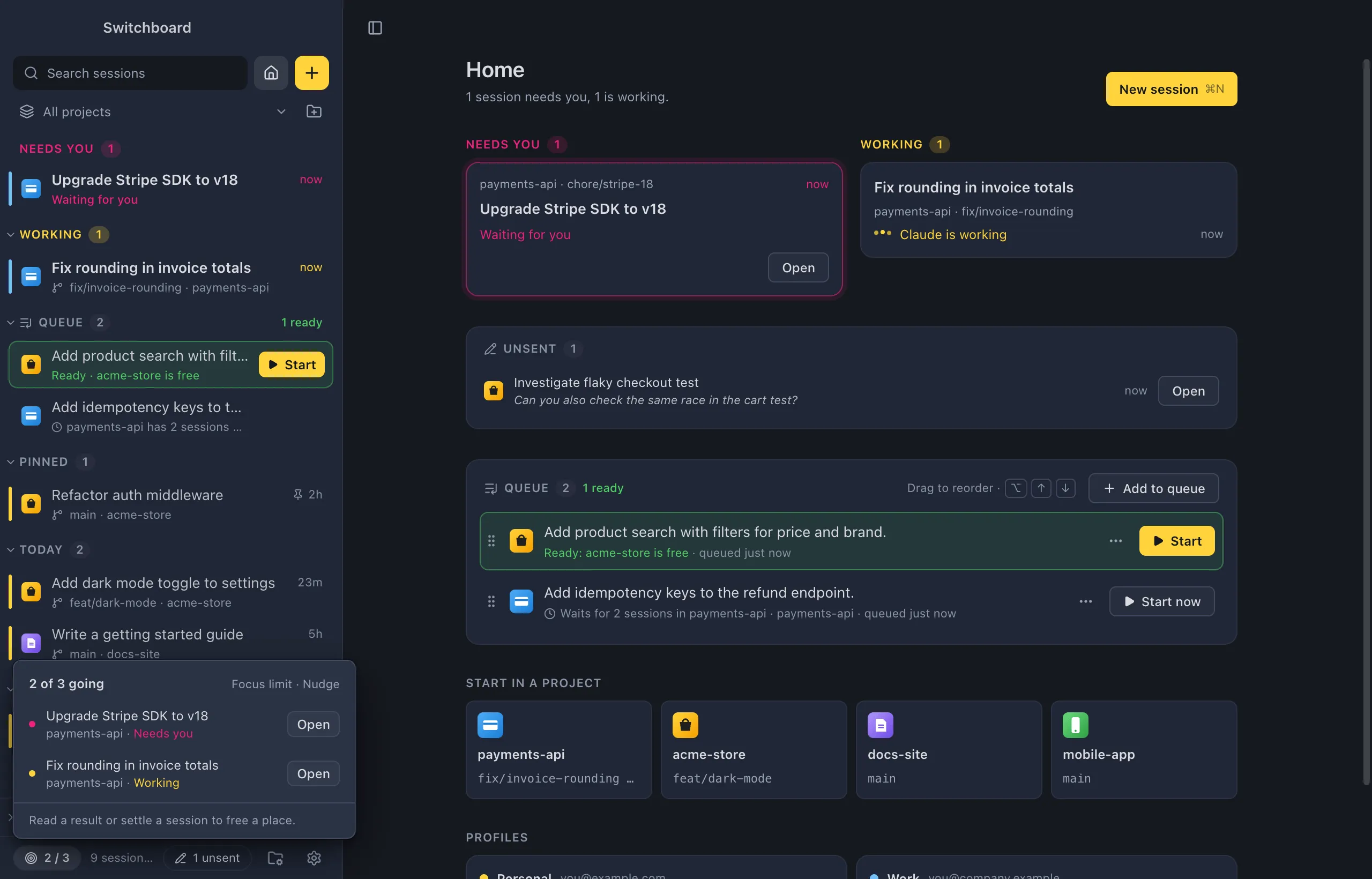
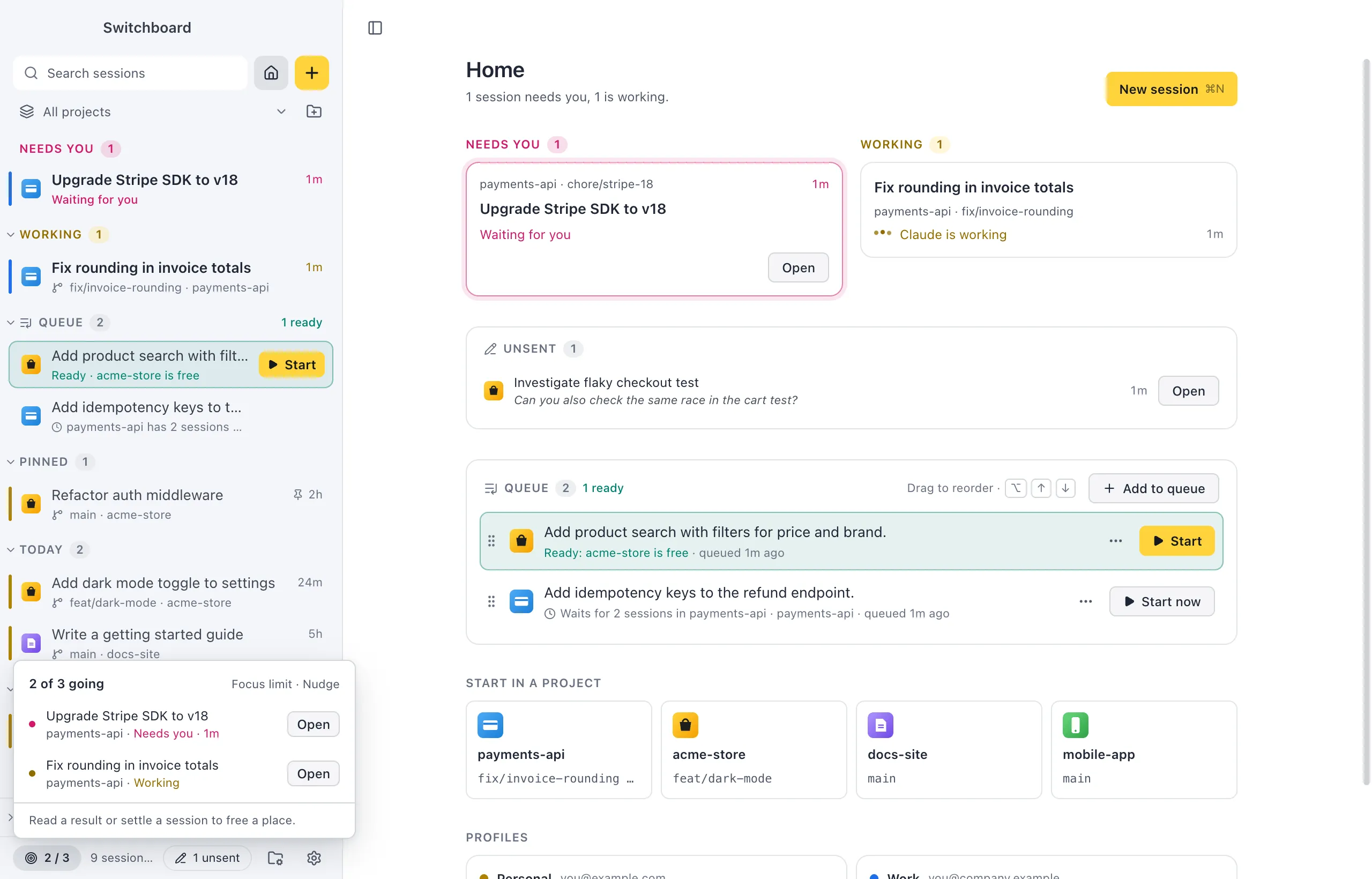
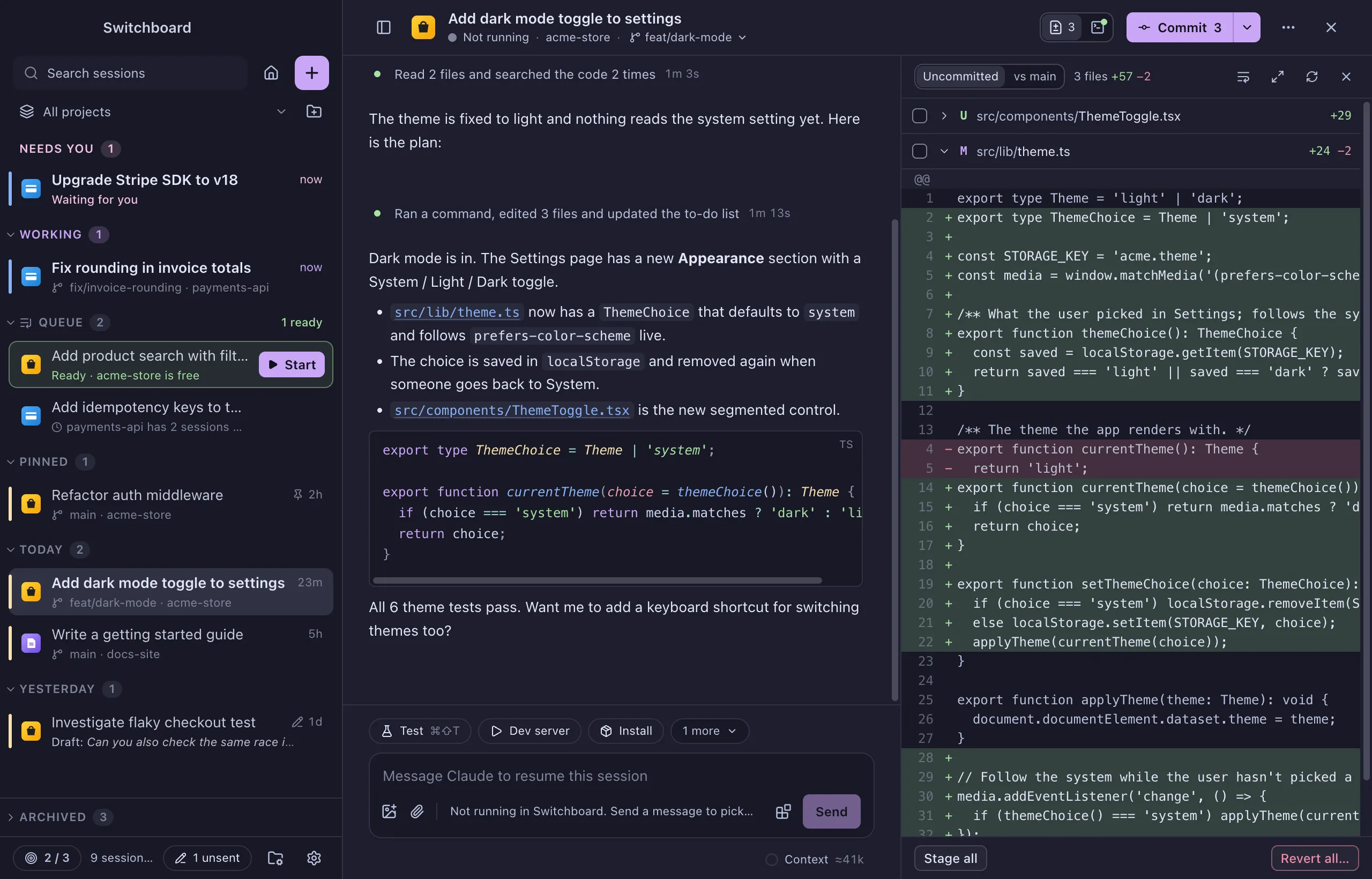
Every session, at a glance
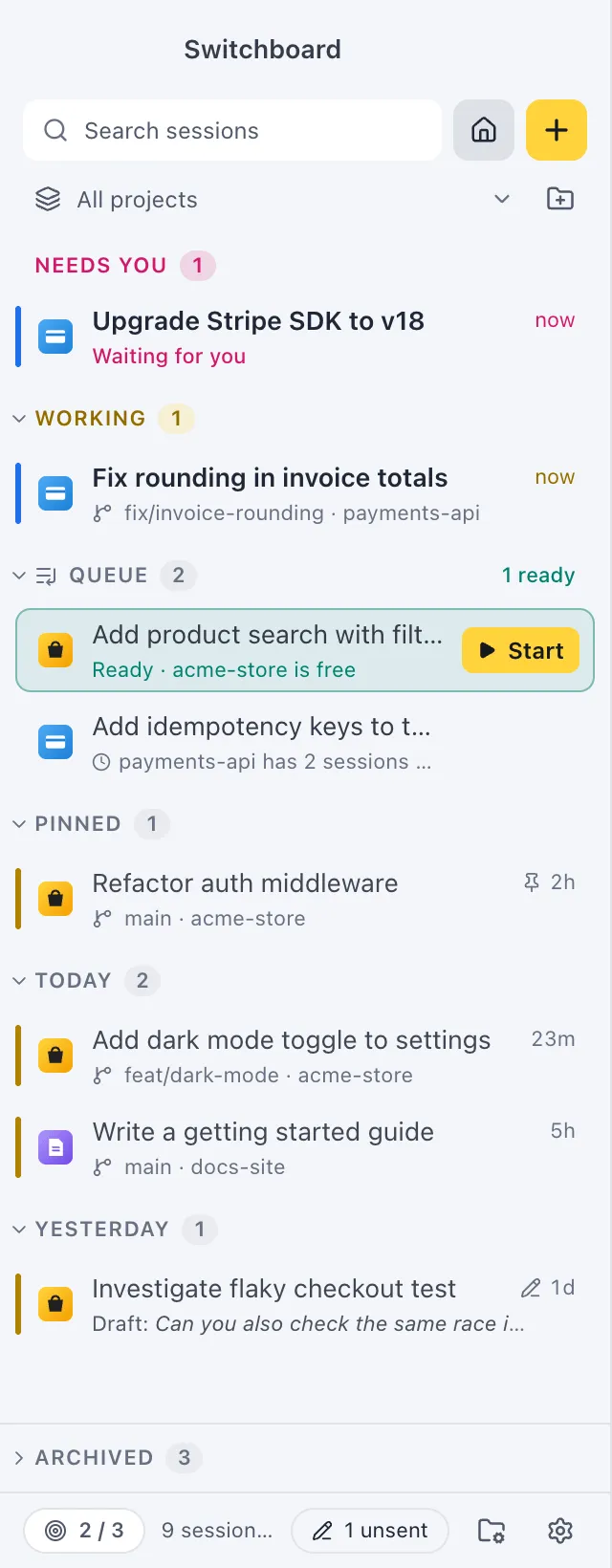
One list of all your sessions, across every project and every Claude account. Sessions that Needs you sit at the top, then the ones that are Working, then the rest by day.
You get a notification when a session needs you or finishes, so you can leave it running in the background.
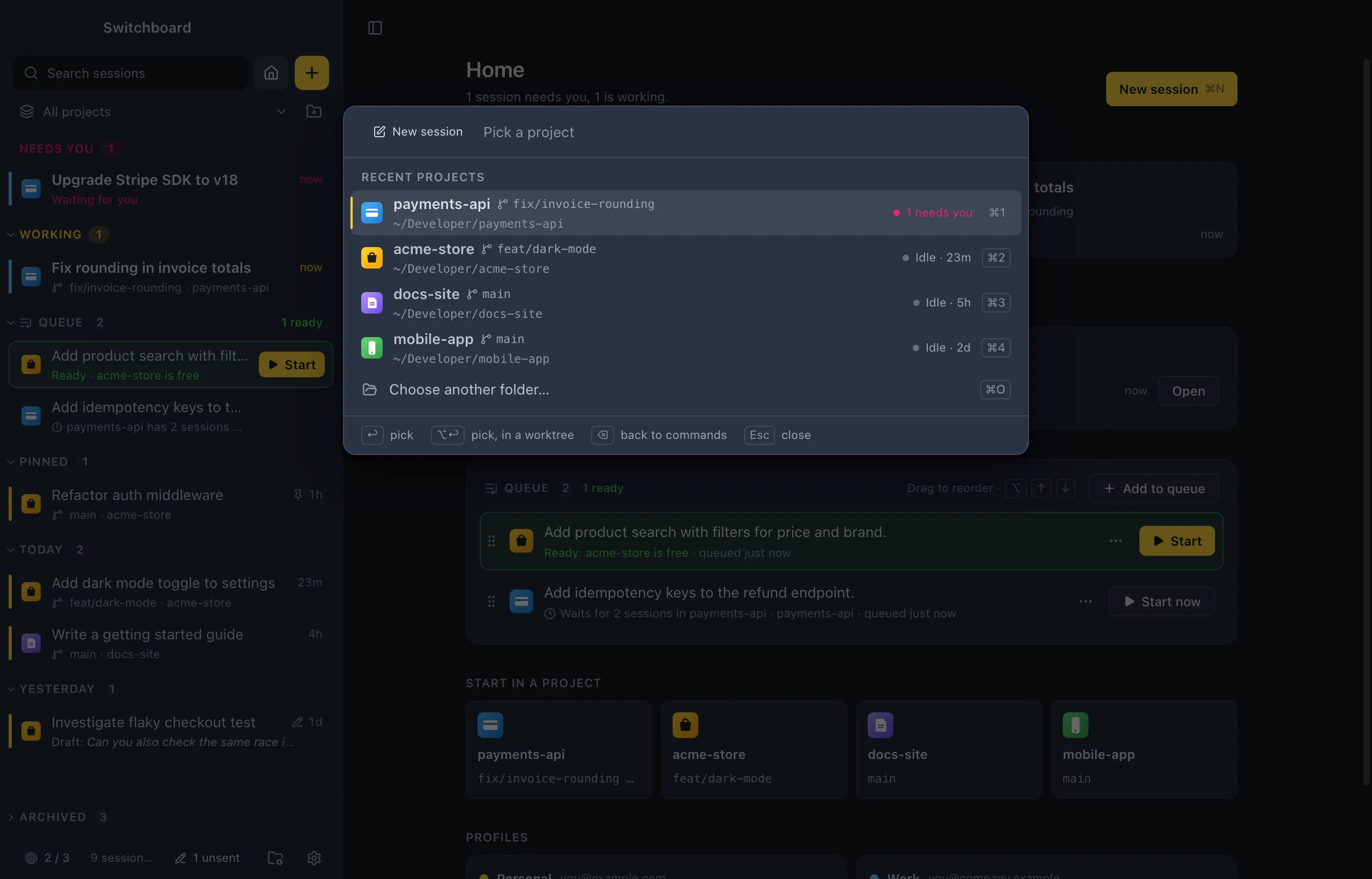
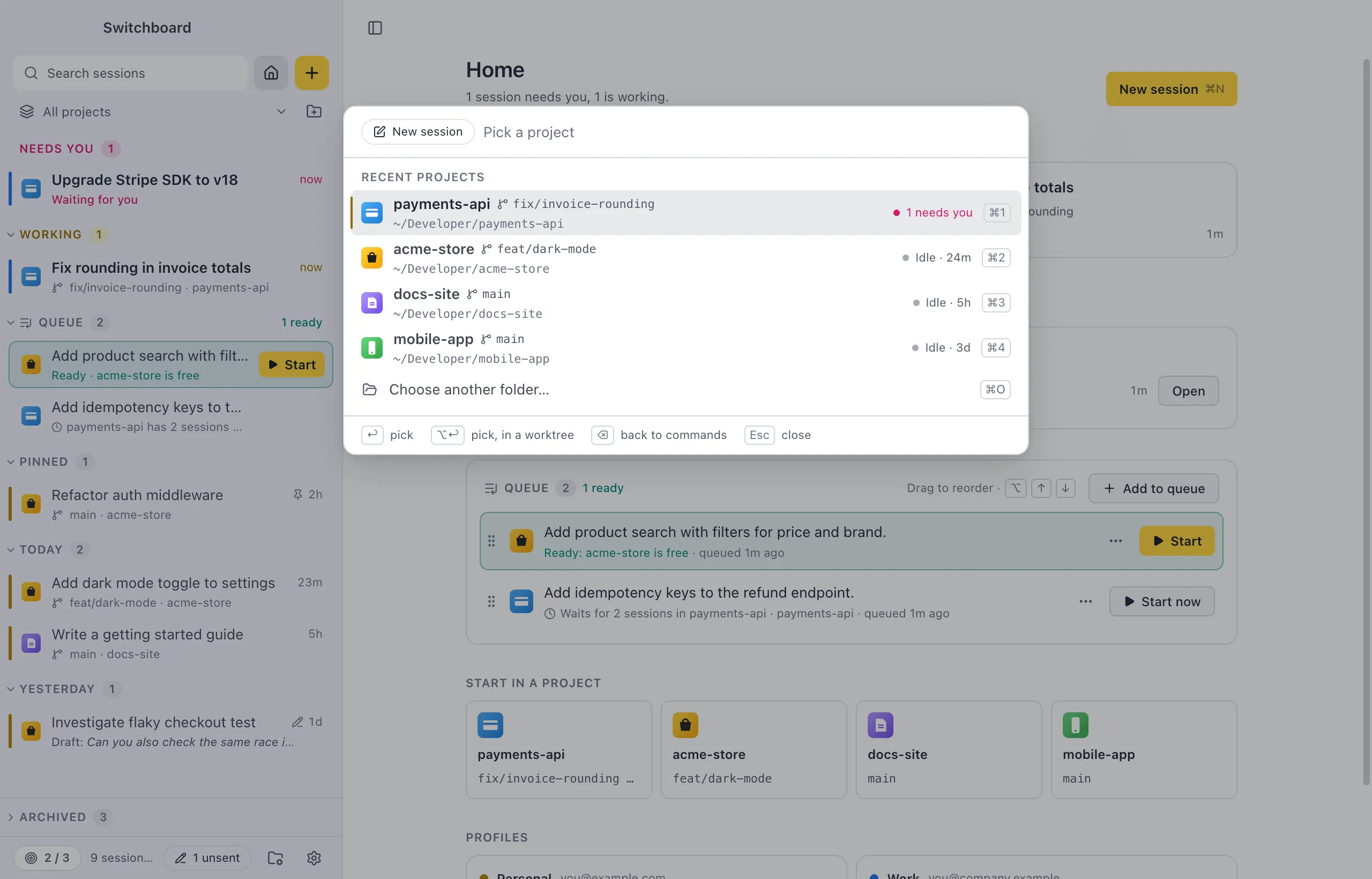
The command palette
Press Command, KControl, K for the commands that fit where you are, or Command, PControl, P to jump to any session or project by typing a few letters.
Start a session without leaving the keyboard: pick a project, write the prompt, press Command, ReturnControl, Enter.
A queue, and nothing you typed gets lost
Write the next prompt now and Add to queue. Each item says when it is ready, and you start it with one click. Nothing starts by itself.
Messages you don’t send are kept, also after you quit. A pen in the sidebar shows where they are.
A focus limit
Choose how many sessions you want going at the same time. Switchboard shows how many are on your mind, and asks before you start one more.
Projects, worktrees and branches
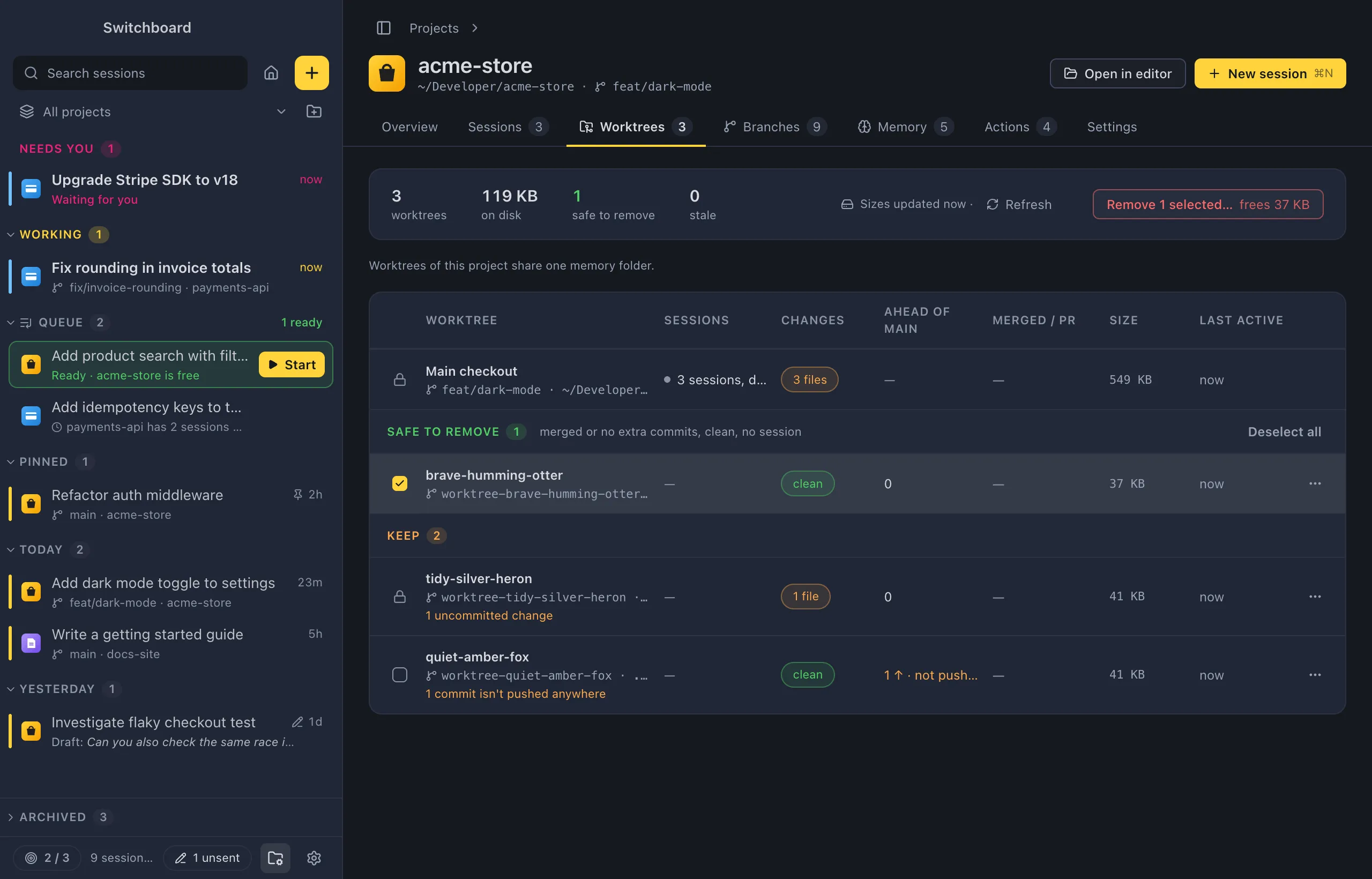
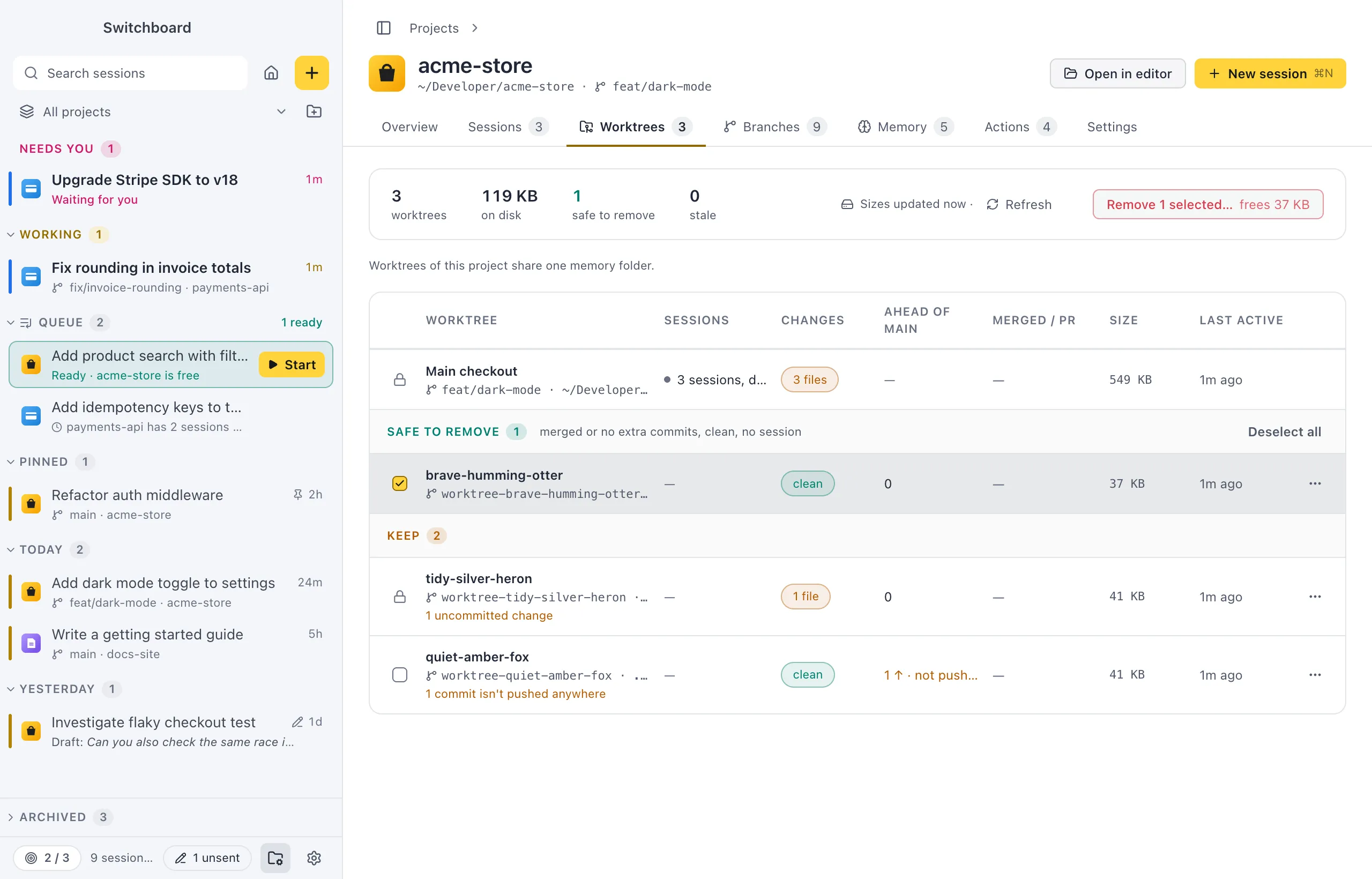
Each project has its own page with its sessions, worktrees, branches and actions. Start a session in a new worktree, then clean up the ones that are done after one confirmation.
Switchboard never removes a worktree with uncommitted changes or a session working in it.
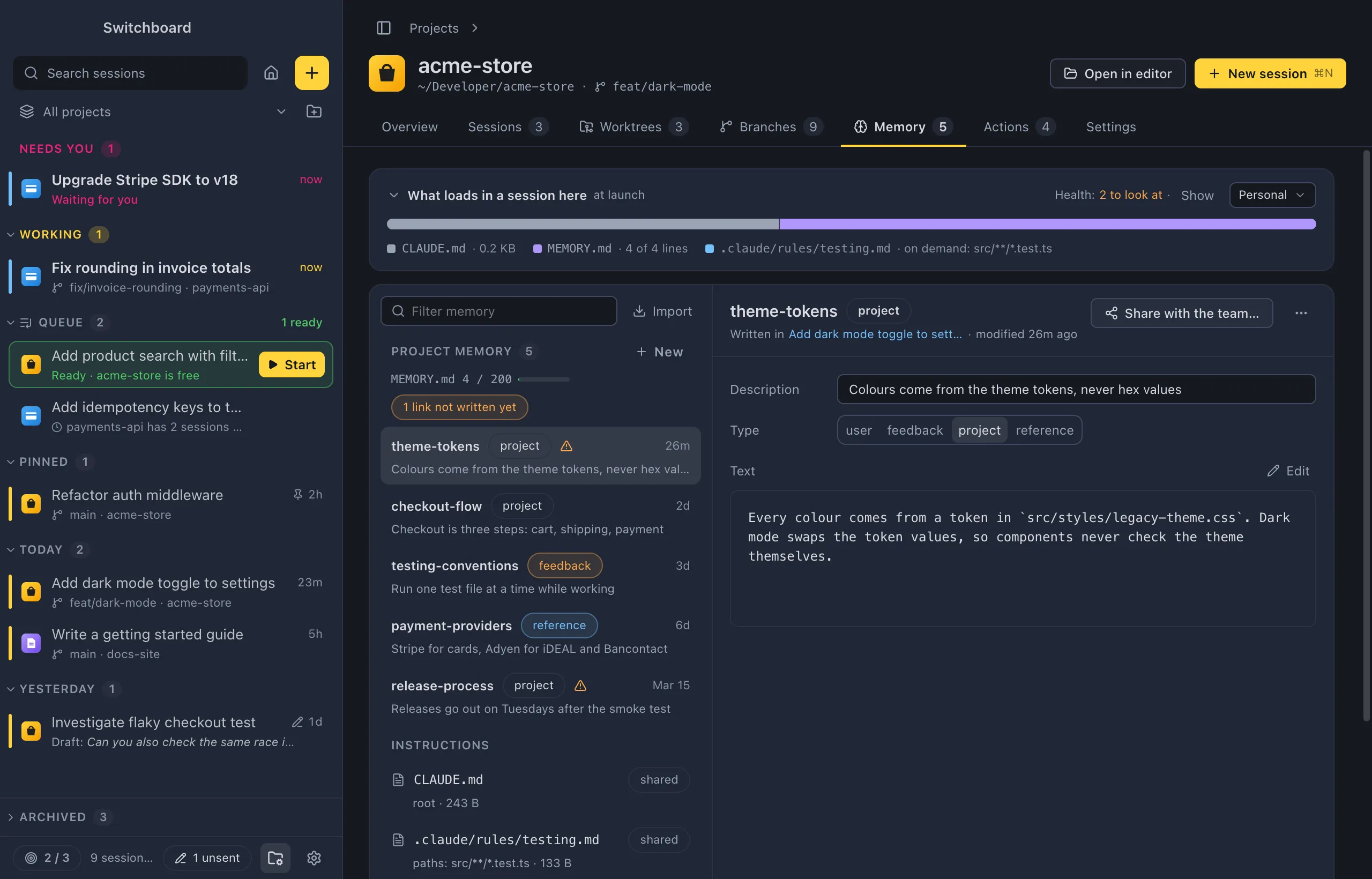
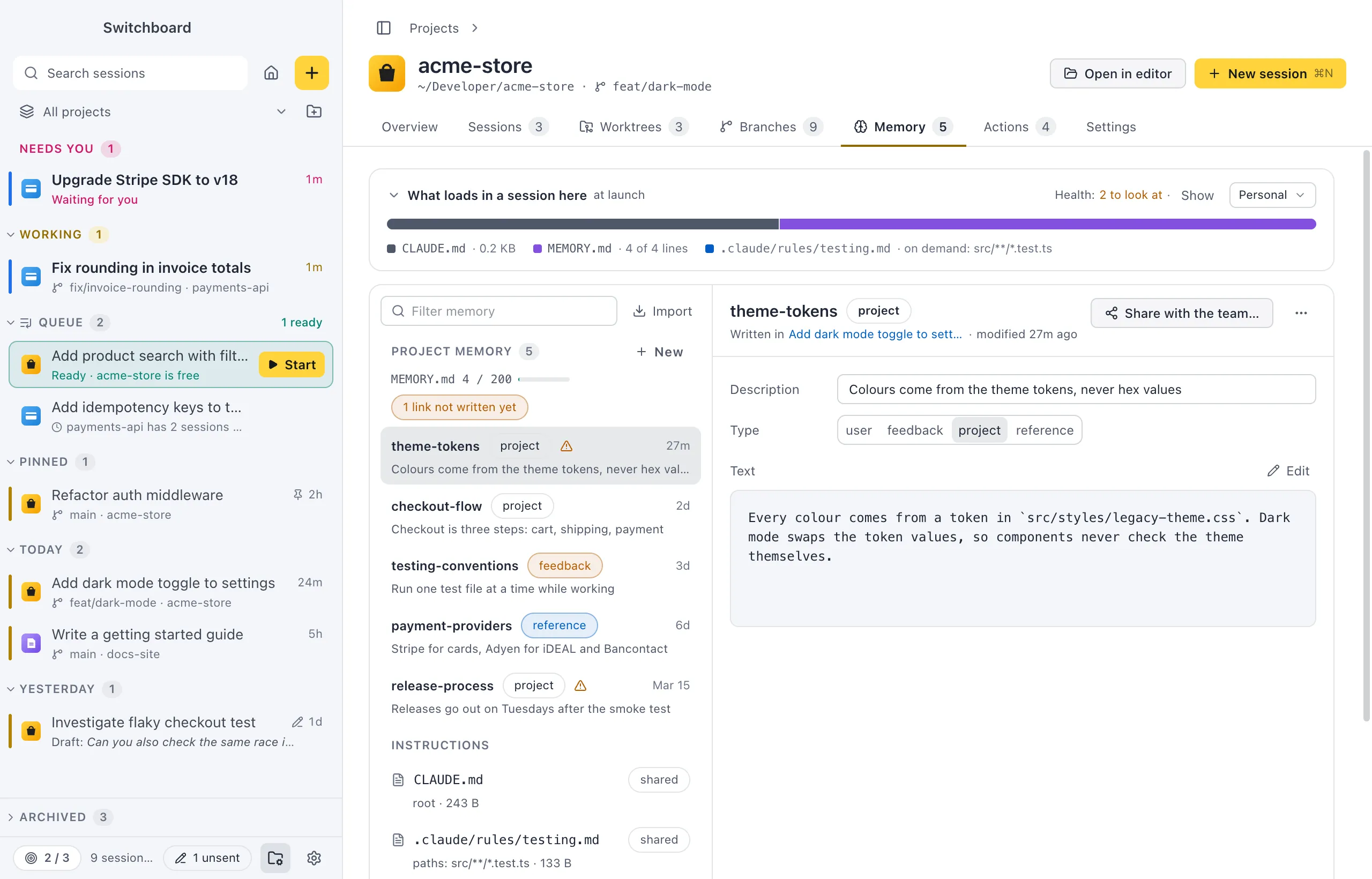
What Claude remembers, in plain Markdown
See and edit what Claude Code remembers about each project, and what loads at the start of every session. Share a memory with the team in CLAUDE.md, or bring your memory over from the Claude app.
Everything stays plain Markdown where Claude Code already looks, so it works the same in the terminal.
Terminal and changes, next to the conversation
See what Claude changed in the Changes panel (Command, Shift, DControl, Shift, D): stage, unstage or revert files, and open any diff inline. A terminal per session is one key away (Command, JControl, J).
The git button offers the next step: pull, commit, push or create a pull request.
Permissions in the conversation
Allow or deny what Claude asks, answer its questions and review its plans, right where the work happens. Switch the permission mode with Shift, TabShift, Tab.
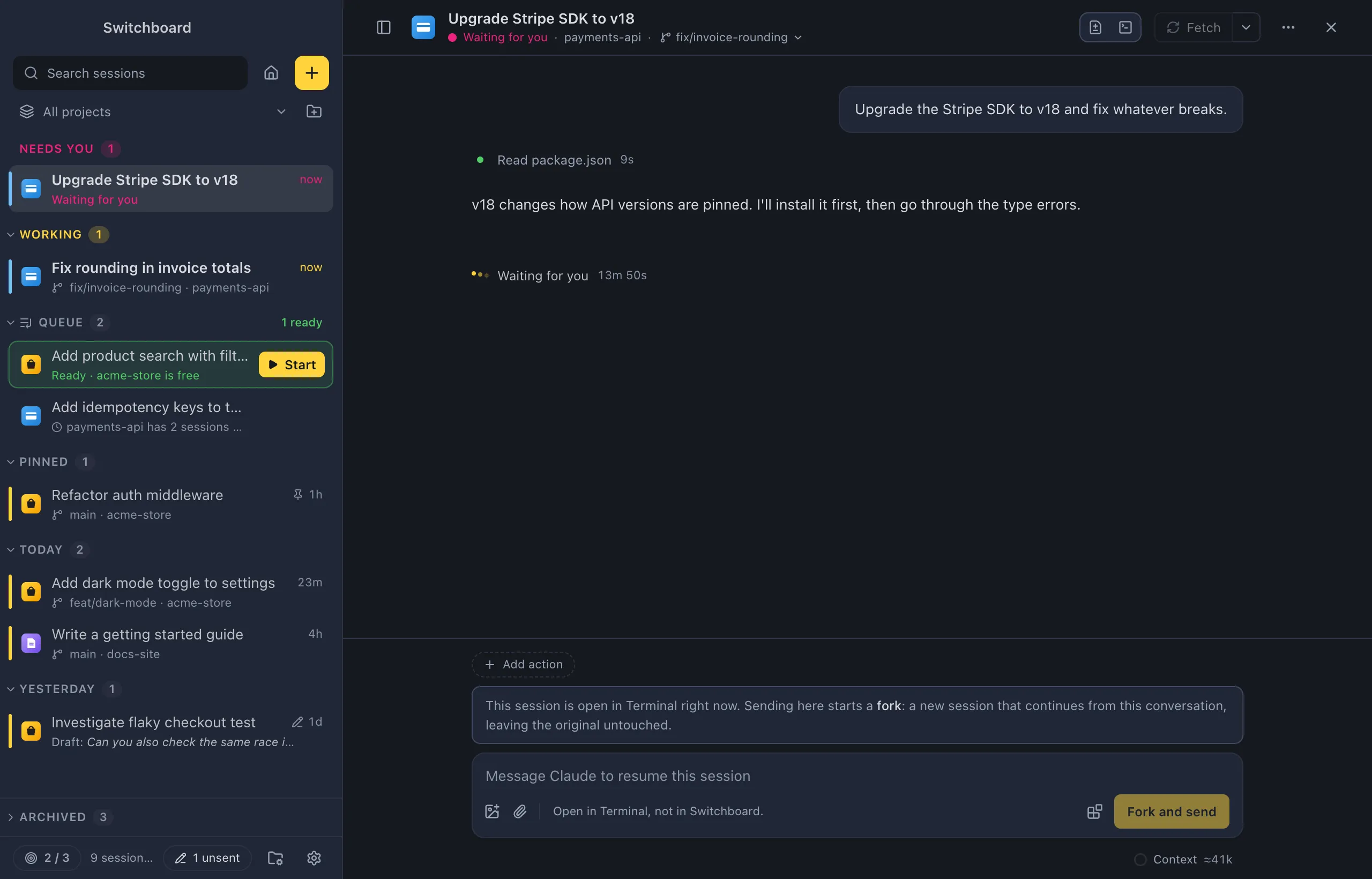
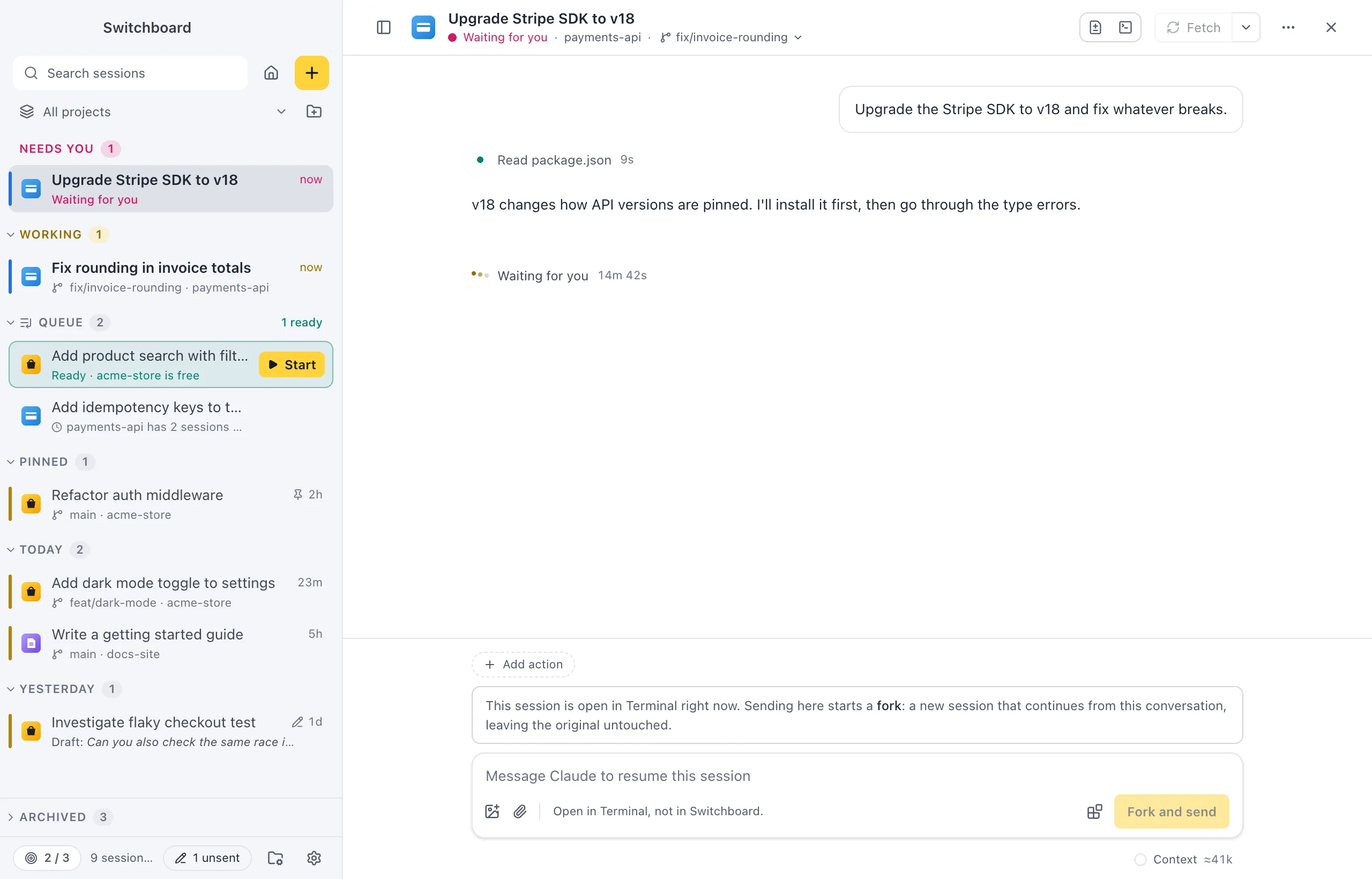
Themes
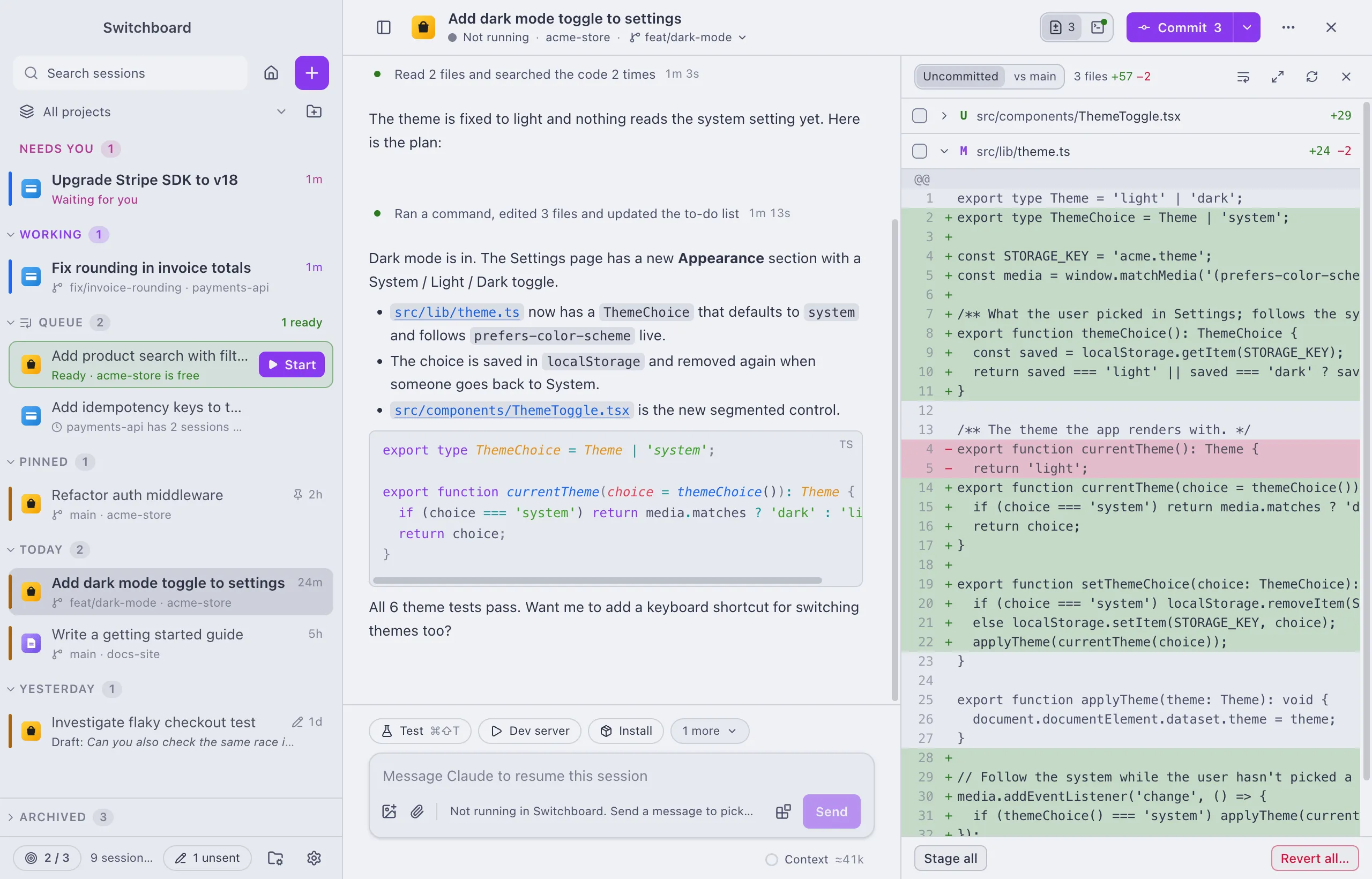
Demo Time, Catppuccin, Claude, Nord, Solarized and The unnamed are built in, in light and dark. Import your own theme as a small JSON file.
The VS Code companion
The Switchboard Companion extension sends what you are looking at in the editor to a session: the lines you selected, files, problems and terminal output. It also works in Cursor and Windsurf. Nothing goes to Claude until you press send.
eliostruyf.switchboard-companion