
Focus limit
AI makes starting work easy, and every session you start is one more thing to keep up with. The focus limit helps you not start more than you can follow: you choose how many sessions you want going at once, and Switchboard asks before you go over. Why it helps: The AI chaos beast in your head.
Open it
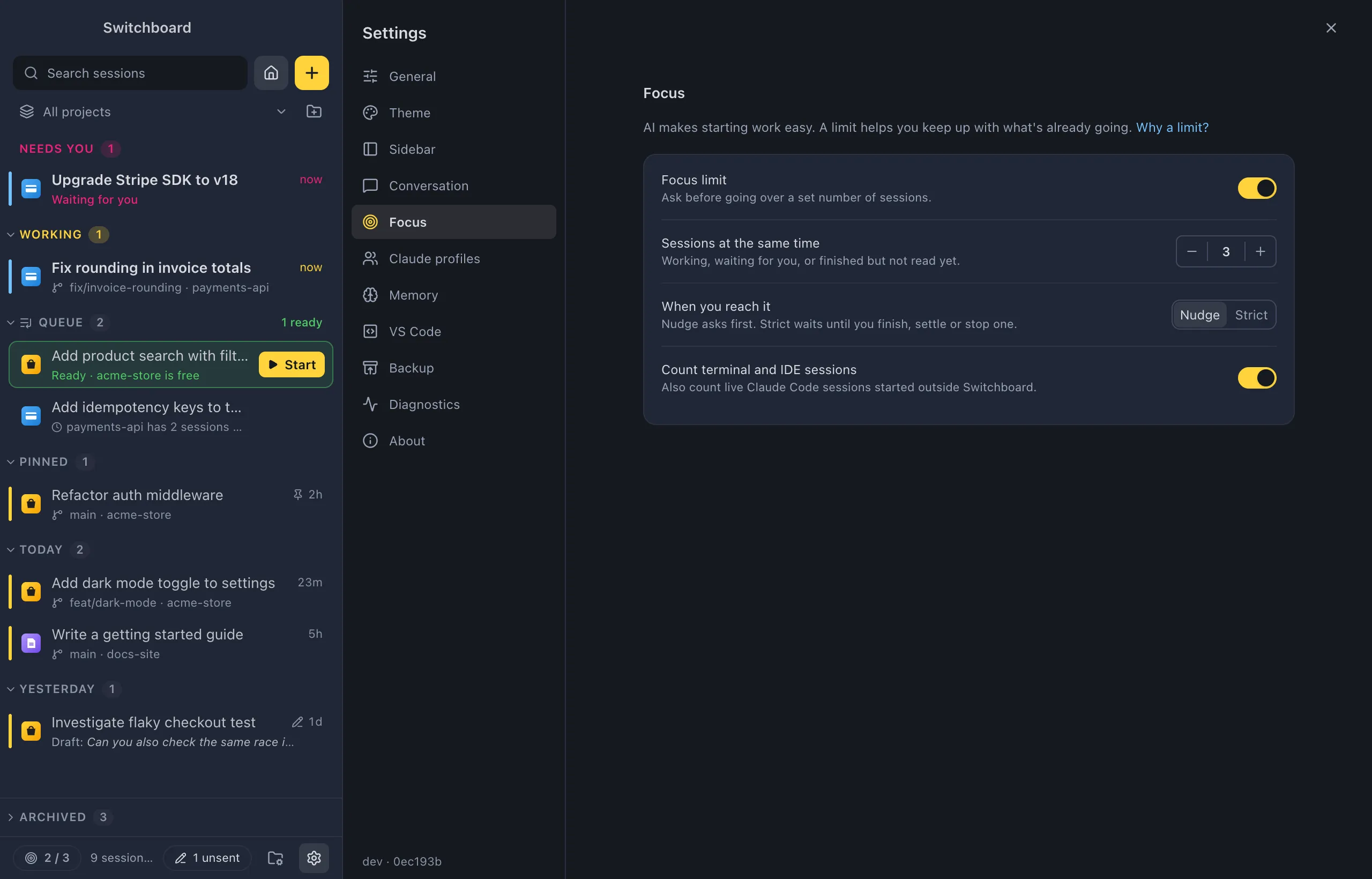
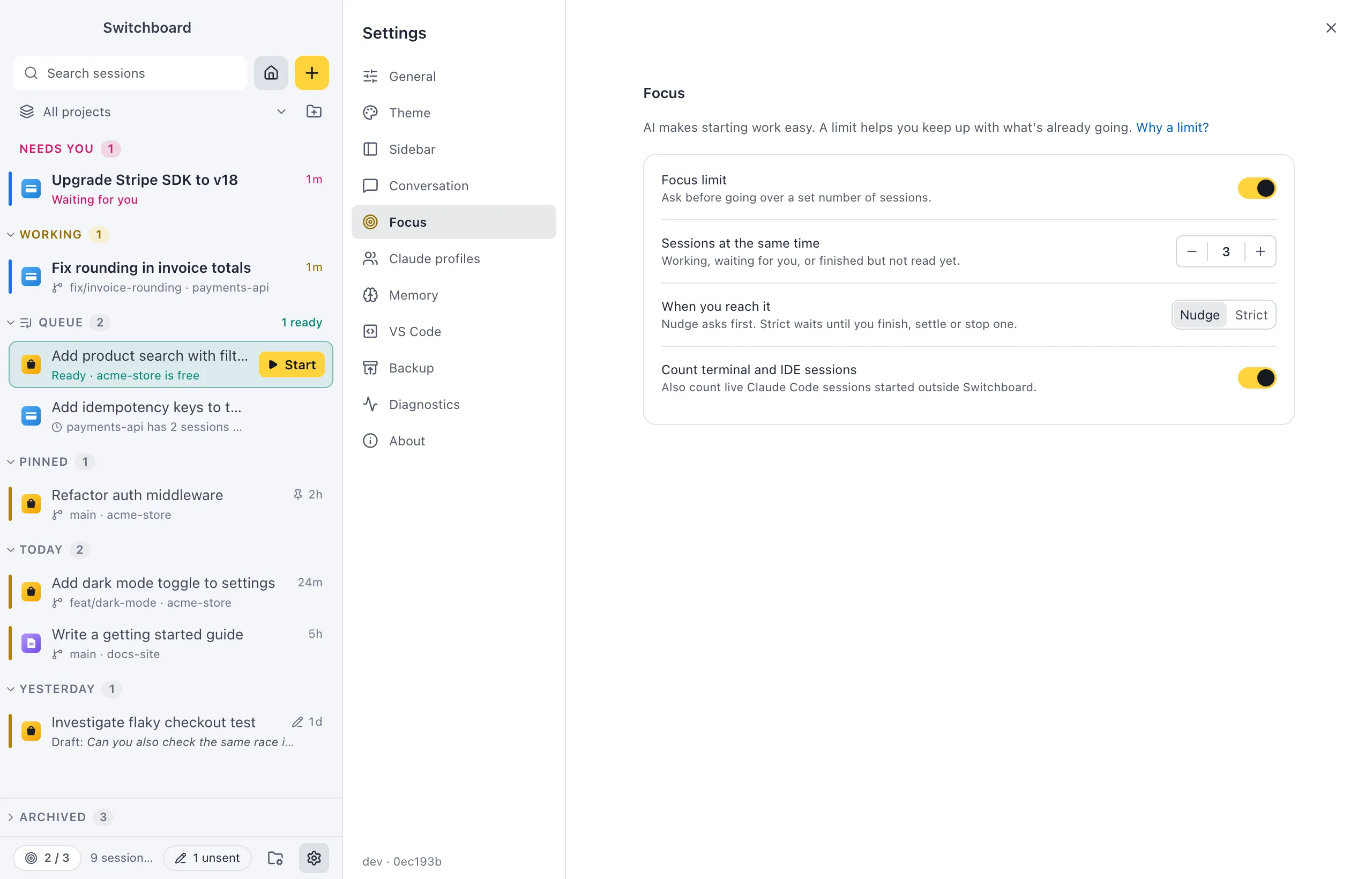
Section titled “Open it”- Turn it on in Settings → Focus with the Focus limit switch.
- In the command palette: Focus limit: turn on, Focus limit: turn off and Focus limit: set limit… (pick from 1 session to 10 sessions).
- Change limit in the note New session shows at the limit opens Settings → Focus.
What counts
Section titled “What counts”A session counts while it’s on your mind:
- Claude is Working on it;
- it Needs you: a permission or a question;
- it finished something you haven’t read yet (Unread).
Reading the result or archiving the session frees its place. Stopped sessions never count. By default only sessions you started or continued in Switchboard count; turn on Count terminal and IDE sessions to also count Claude Code running in your terminal or editor.
The counter
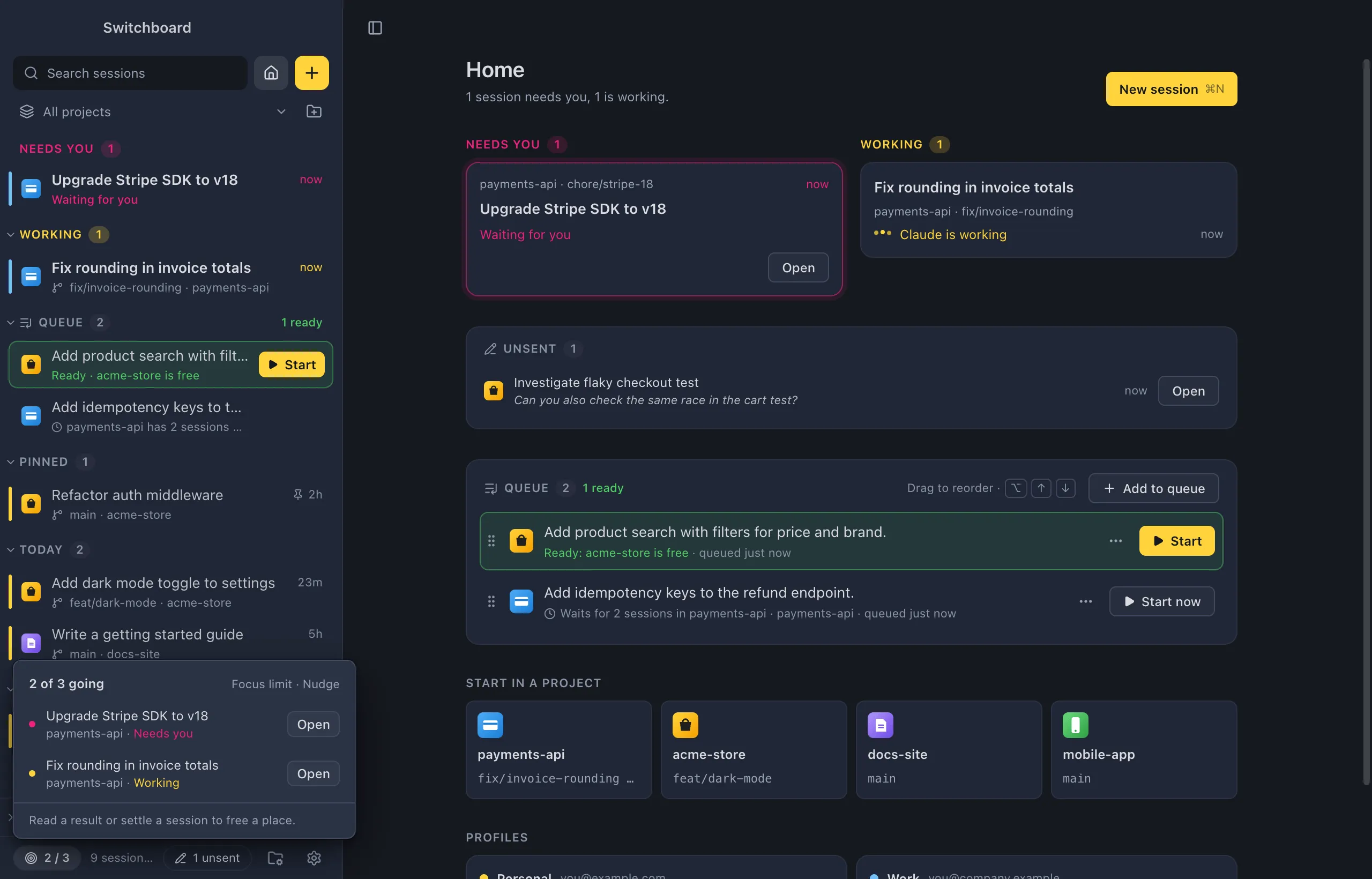
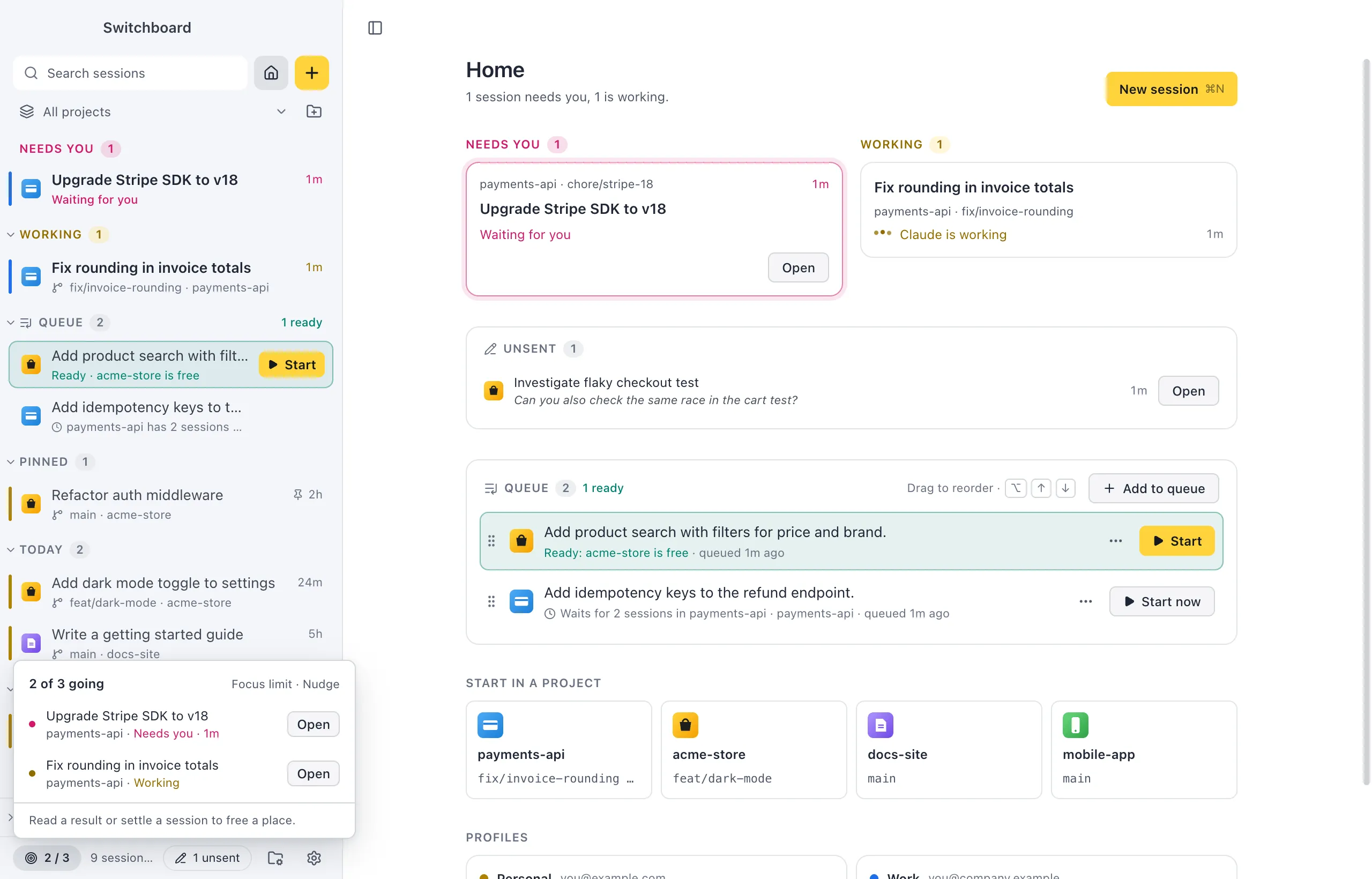
Section titled “The counter”While the limit is on, a counter at the bottom of the sidebar shows how many sessions are going, such as 2 / 3:
| Counter | Means |
|---|---|
| Neutral | Under the limit |
| Yellow | At the limit |
| Pink | Over the limit |
Click it to see which sessions count: needs you first, each with its project, its state (“Needs you · 12m”, “Working”, “Done, not read yet”) and Open. In the minimal sidebar rail the counter shows as 2/3 and its list opens to the right.
At the limit
Section titled “At the limit”When you are at the limit, New session shows a note above the message box: “You have 3 of 3 sessions going”, with the sessions that count and Open for each. Its Add to queue keeps your idea in the queue instead.
What Start does depends on how strict you set the limit:
- Nudge (the default): Start asks first, “Start a 4th session?”, with Add to queue, Start anyway and Cancel. The note in New session also has Start anyway.
- Strict: Start waits. The question says “Finish one first”, with Open for a session that needs you, Add to queue and Cancel. Finish, read or archive a session first. In New session, Add to queue stays in Start’s menu.
Escape or Cancel closes the question and keeps your prompt where it was. The question never starts anything over the limit without you saying so.
Everything that asks
Section titled “Everything that asks”Every way of starting work goes through the same question:
- starting a session in New session or from the command palette;
- starting a queued item (there the queue button says Keep it queued);
- a message that brings back a session that doesn’t count right now;
- forking a session;
- a project action that sends Claude a prompt;
- opening Claude in the terminal.
Answering a session that already counts, stopping Claude, archiving, reviewing changes and committing are never held up.
Settings
Section titled “Settings”In Settings → Focus:
- Focus limit: on or off.
- Sessions at the same time: 1 to 10, 3 to start with. Working, waiting for you, or finished but not read yet.
- When you reach it: Nudge asks first. Strict waits until you finish, settle or stop one.
- Count terminal and IDE sessions: also count live Claude Code sessions started outside Switchboard.