
Code and terminal colours
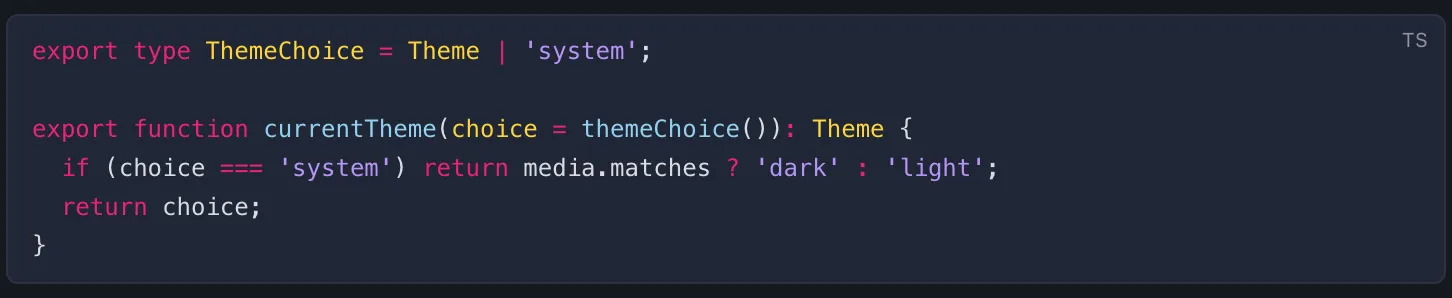
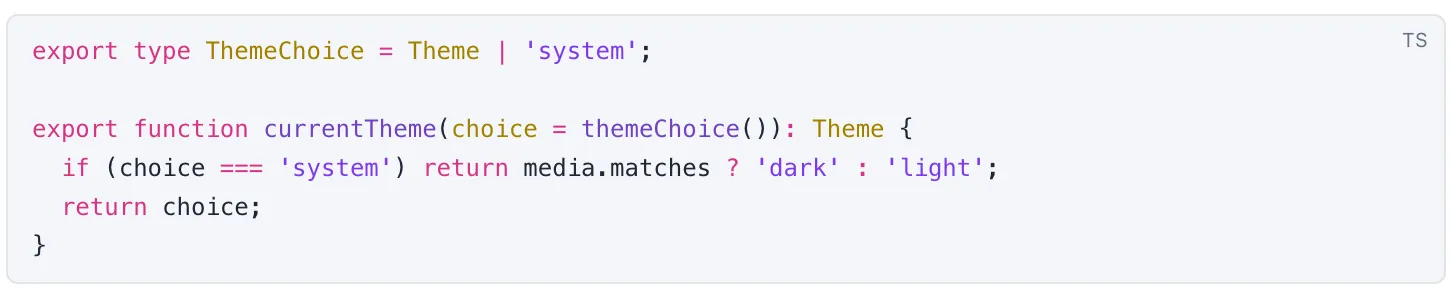
Besides the app itself, a theme colours the code in Claude’s replies, the diffs in Changes and in the conversation, and the terminal panel. Every built-in theme brings its own code colours, and a theme file can set them too.
Where to find it
Section titled “Where to find it”- The colours follow the theme you pick in Settings → Theme (Command, CommaControl, Comma) or with Theme: <name> in the command palette.
- When you import a theme, the preview shows a code sample in its code colours (with the name of the syntax theme it uses) and its 16 terminal colours.
- Settings → Diagnostics shows a code block and some Markdown under Rendering, in the theme in use.
Code colours
Section titled “Code colours”Code blocks always sit on the theme’s code-bg colour, never on the background of the syntax theme. Light and dark mode each have their own code colours, and they switch with the app.
In a theme file, syntax in a mode sets them. It is one of:
- The name of a syntax theme that comes with Switchboard, such as
github-dark,dracula,nord,one-dark-pro,solarized-lightortokyo-night. The full list is in Code colours. A name that isn’t on the list refuses the file, with a hint when it looks like a typo. - Your own colours, such as the
tokenColorsof a VS Code theme. Onlyname,typeandtokenColorsare read, and of each rule only itsscope,foregroundcolour andfontStyle(italic,bold,underline).
"syntax": { "name": "Mine", "type": "dark", "tokenColors": [ { "scope": ["comment"], "settings": { "foreground": "#7f8c98", "fontStyle": "italic" } }, { "scope": ["keyword", "storage"], "settings": { "foreground": "#ff7ab2" } }, { "scope": "string", "settings": { "foreground": "#a3e635" } } ]}Without syntax, code keeps Demo Time’s colours.
Added and removed lines take their background from the diff-added and diff-removed tokens, and their marks from ok and error. Without them, a theme generates the backgrounds from ok and error.
Terminal colours
Section titled “Terminal colours”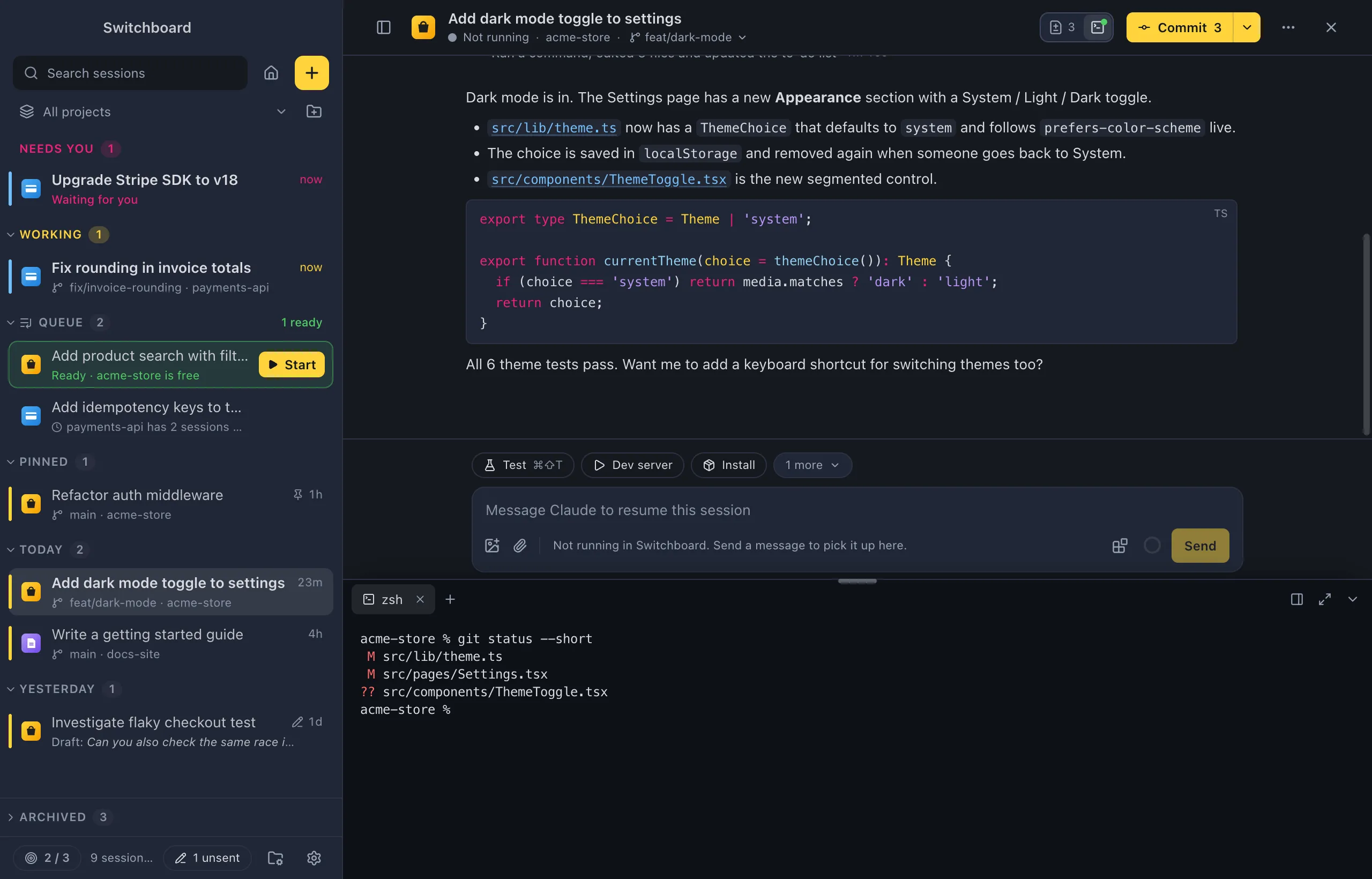
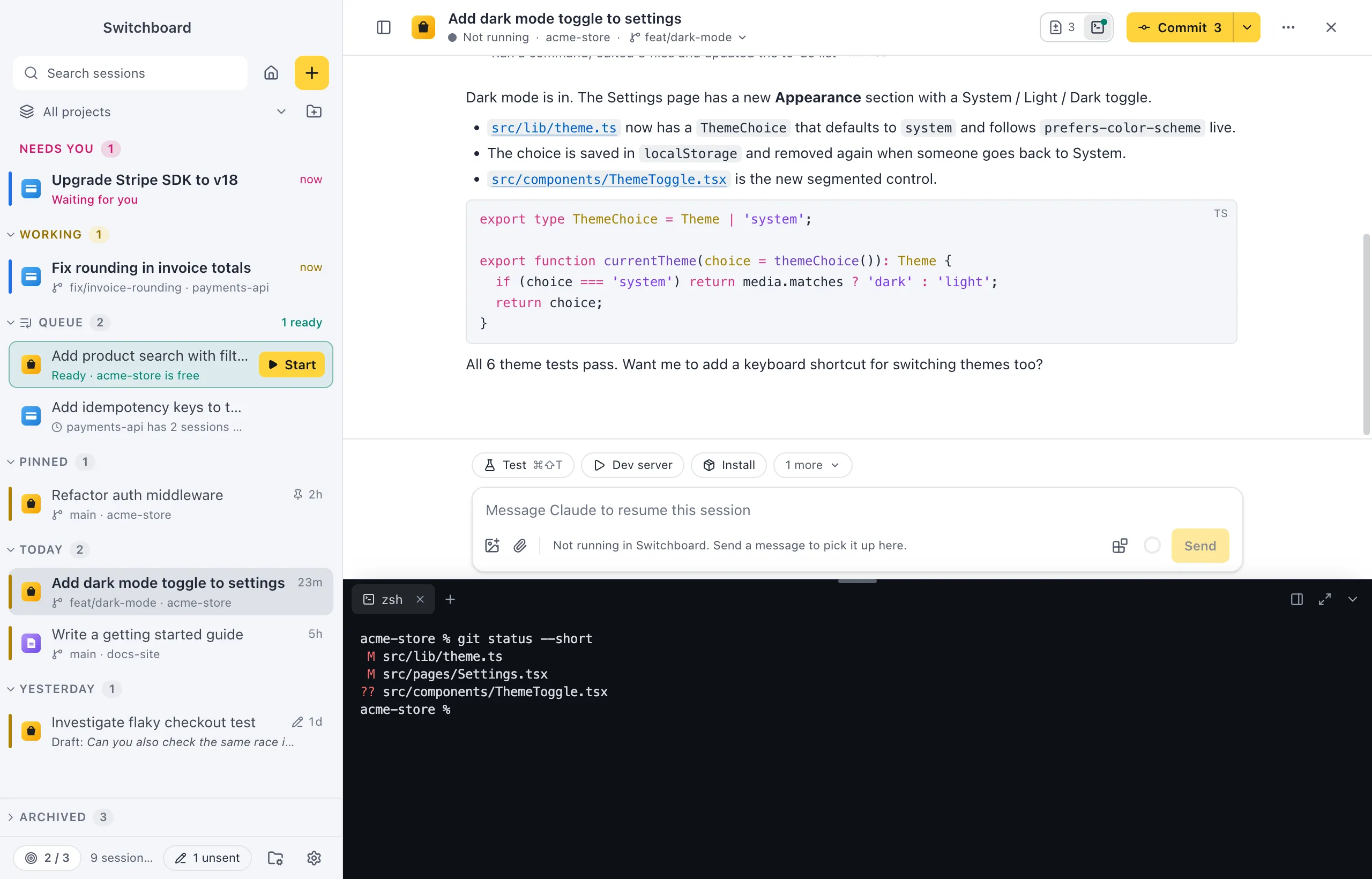
The terminal panel is always dark, in light mode too, so a theme sets its colours once, in dark.terminal:
| Key | What it sets |
|---|---|
background |
the terminal’s background (and the panel around it, unless colors.terminal-bg says otherwise) |
foreground |
its text |
cursor |
the cursor |
selection |
selected text |
ansi |
exactly 16 colours: black, red, green, yellow, blue, magenta, cyan, white, then the bright versions in the same order |
"terminal": { "background": "#001e26", "foreground": "#93a1a1", "cursor": "#b58900", "ansi": ["#073642", "#dc322f", "#859900", "#b58900", "#268bd2", "#d33682", "#2aa198", "#eee8d5", "#002b36", "#cb4b16", "#586e75", "#657b83", "#839496", "#6c71c4", "#93a1a1", "#fdf6e3"]}Each key is optional. Without it, the terminal uses the dark mode’s terminal-bg, text and accent-ink, the accent at 25% for the selection, and Demo Time’s 16 colours.
Settings
Section titled “Settings”Code and terminal colours come with the theme you choose in Settings → Theme. There is no separate setting for them.