
Switchboard on Windows
Switchboard runs on Windows 10 and 11, on x64 and Arm64 PCs, with the same features as on a Mac. This page lists what you notice that is different on Windows, in one place, and links the page that covers each part.
Where to find it
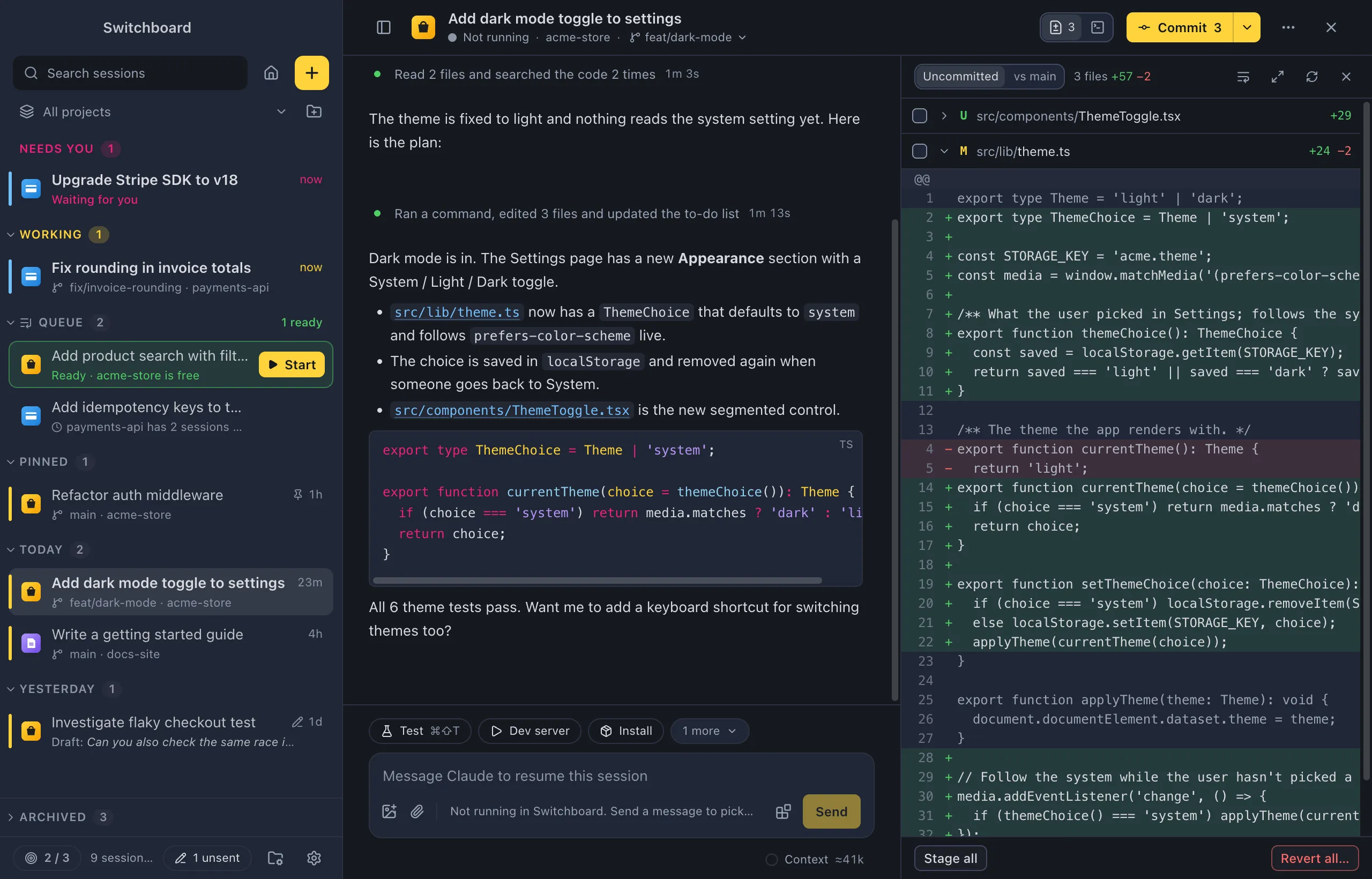
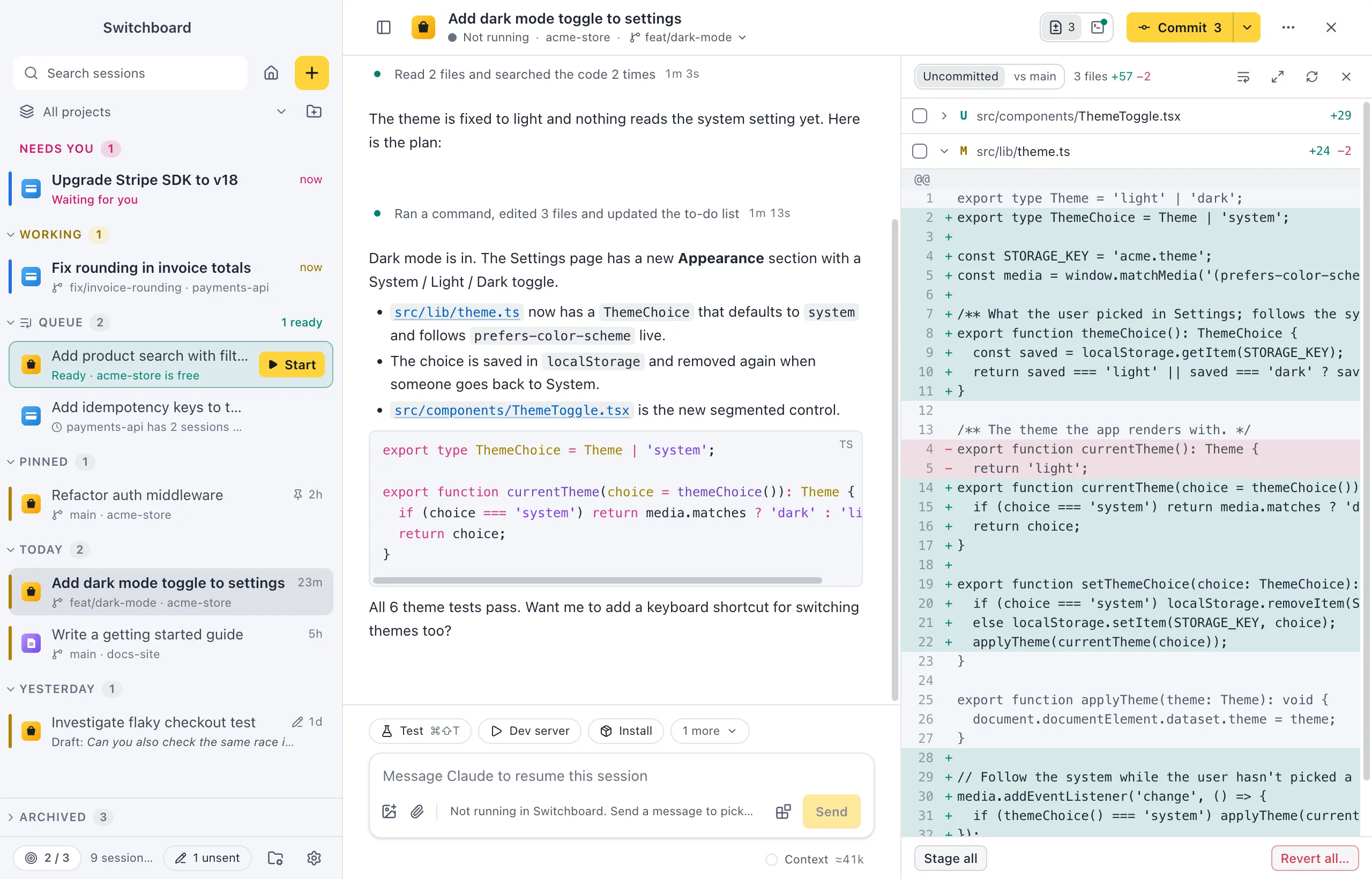
Section titled “Where to find it”This site shows keys, folder names and steps for the system you pick with the switch in the header: pick Windows to see Ctrl instead of ⌘, File Explorer instead of Finder, and the Windows steps on each page. The screenshots are all taken on a Mac.
Install and update
Section titled “Install and update”- Install: download
Switchboard-<version>-setup.exefrom the latest release. One installer covers x64 and Arm64. It installs for you only, without admin rights, in%LOCALAPPDATA%\Programs\switchboard. See Install Switchboard. - Blocked installer: an installer that isn’t signed makes SmartScreen say “Windows protected your PC”. Choose More info, then Run anyway. See Troubleshooting.
- Updates: Switchboard updates itself as on a Mac. Restart to update runs the installer, which shows its progress for a few seconds and opens Switchboard again. Check for Updates… is in the Help menu. See Updates.
- Uninstall: Windows Settings › Apps. Your data stays. See Install Switchboard.
- Arm64: the installer installs the Arm64 build on an Arm PC. It is built with every release, but hasn’t been tried on Arm hardware yet.
- Every shortcut uses Ctrl where a Mac uses ⌘, Alt for ⌥ and Shift for ⇧, and the app writes keys as words (Ctrl, Shift, Enter) rather than symbols. The keyboard shortcuts page and the shortcuts sheet (Command, SlashControl, Slash) show the Windows keys.
- Quitting is Command, Q then Command, QControl, Q then Control, Q as on a Mac, and closing the window quits too. Both ask first while Ask before quitting is on. Windows shutting down or signing you out doesn’t wait for that question. See Settings, General.
- A project action’s shortcut needs Ctrl or Alt. A shortcut set with ⌘ on a Mac uses Ctrl on Windows.
- Choosing a project icon, press Win+. for the Windows emoji panel.
The terminal
Section titled “The terminal”- The terminal panel runs PowerShell: PowerShell 7 when it is installed, otherwise Windows PowerShell. Actions and git steps run there too.
- Ctrl keys belong to the shell, as in Windows Terminal; Switchboard’s own shortcuts take Ctrl+Shift there (Command, Shift, PControl, Shift, P opens the command palette).
- Select text and press Control, CControl, C to copy it; with nothing selected it stops the program. Control, VControl, V pastes.
See Keys in the terminal.
PowerShell and chained commands
Section titled “PowerShell and chained commands”Windows PowerShell 5.1 has no &&. The steps Switchboard runs itself, such as Create PR, work in both versions. In your own action commands, write a; if ($?) { b }, or install PowerShell 7. On Windows an action also refuses to run when a value it fills in, such as a branch name, holds a character that a .cmd program would read as a command. See Troubleshooting.
The window and the menu
Section titled “The window and the menu”- The window has the usual Windows title bar, light or dark with Switchboard’s appearance.
- The menu bar is hidden: press Alt to show File (Settings…, Exit), Edit, View, Window and Help (Keyboard Shortcuts, Check for Updates…, About Switchboard). Most of it is also in the command palette.
File Explorer and the Recycle Bin
Section titled “File Explorer and the Recycle Bin”- Reveal in File Explorer and Open in → File Explorer take the place of Finder. See Working in a session.
- What Switchboard deletes goes to the Recycle Bin: sessions you delete, new files you revert in Changes, and themes you remove. Get them back from the Recycle Bin.
The taskbar instead of the Dock
Section titled “The taskbar instead of the Dock”Windows has no badge count. While sessions need you, a pink dot sits on Switchboard’s taskbar button, and the button flashes when a session starts waiting while you are in another app. Notifications are Windows notifications. Since closing the window quits Switchboard, minimise it to keep getting them. See Session states.
Open in editors and Windows Terminal
Section titled “Open in editors and Windows Terminal”Open in lists the editors whose command Switchboard finds (VS Code, VS Code Insiders, Cursor, Windsurf, Zed, Sublime Text, WebStorm and IntelliJ IDEA), Windows Terminal when it is installed, and File Explorer. Terminal, iTerm, Ghostty, Warp and Xcode are Mac only. The terminal panel uses Windows Terminal’s font when it finds it. See Working in a session.
Claude Code
Section titled “Claude Code”- Install Claude Code with its native installer, npm or WinGet, and Git for Windows. Switchboard looks for
claude.exeon yourPATHand where each installer puts it. - Switchboard reads the environment Windows gives it when it starts. After you install Claude Code or change your
PATH, quit and reopen Switchboard. See Claude Code isn’t found. - Updates:
claude updatefor the native installer,npm install -gwith the folder npm installed it in, and for WinGet the commandwinget upgrade Anthropic.ClaudeCodeto run yourself. An npm update can’t replaceclaude.exewhile sessions run: stop them first. See Updates. - Claude profiles: Settings shows the sign-in command in a Mac terminal’s form. In PowerShell, set
$env:CLAUDE_CONFIG_DIRfirst. See Sign in on Windows.
The VS Code companion
Section titled “The VS Code companion”The VS Code companion works the same, over a named pipe instead of a socket. It finds Switchboard through %APPDATA%\Switchboard, and starts or shows it through a switchboard:// link.
switchboard:// links
Section titled “switchboard:// links”Links work on Windows too. Switchboard registers switchboard:// for you when it starts, and the uninstaller removes it. A folder in a link is a drive path, such as C:\Users\me\dev\payments (URL-encoded). Open a link from PowerShell with Start-Process.
Where your data lives
Section titled “Where your data lives”| What | Where |
|---|---|
| Switchboard’s preferences, themes, backups and cache | %APPDATA%\Switchboard |
| Your sessions (Claude Code’s folder) | %USERPROFILE%\.claude |
| The app | %LOCALAPPDATA%\Programs\switchboard |
See Your data.
Move between a Mac and a PC
Section titled “Move between a Mac and a PC”A settings file from Settings → Backup imports on either system. Project folders from the other system show as not found until you point them at folders on the new computer. See Move between a Mac and a Windows PC.
Long paths
Section titled “Long paths”Switchboard runs git with long paths on, so files whose full path is over 260 characters, common in deep worktree folders, still show in Changes. See Windows: long paths.
Settings
Section titled “Settings”There are no settings only for Windows. There is no setting to pick another shell than PowerShell, as a Mac uses your login shell. Everything else is in Settings, the same as on a Mac.