
Home
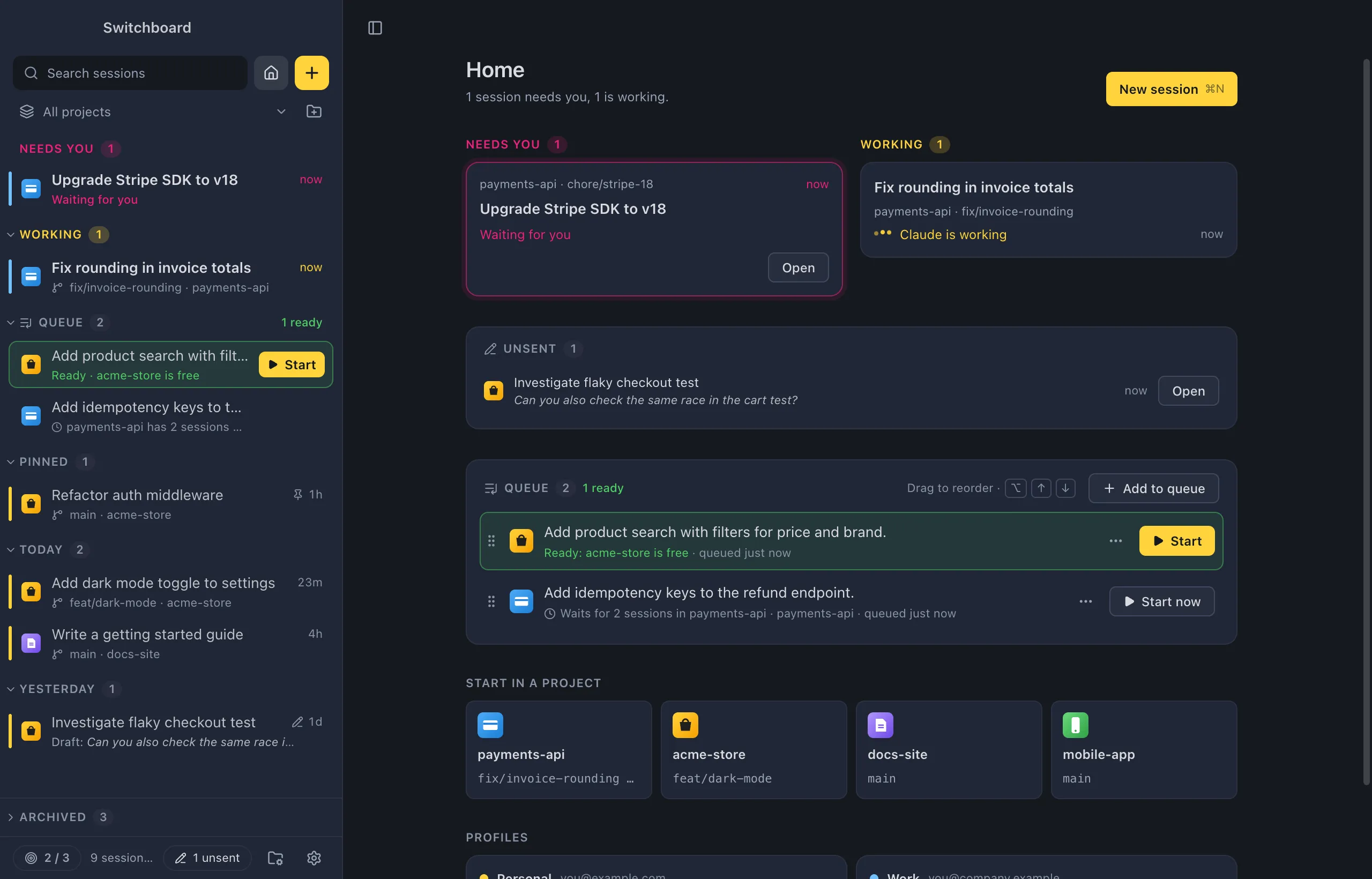
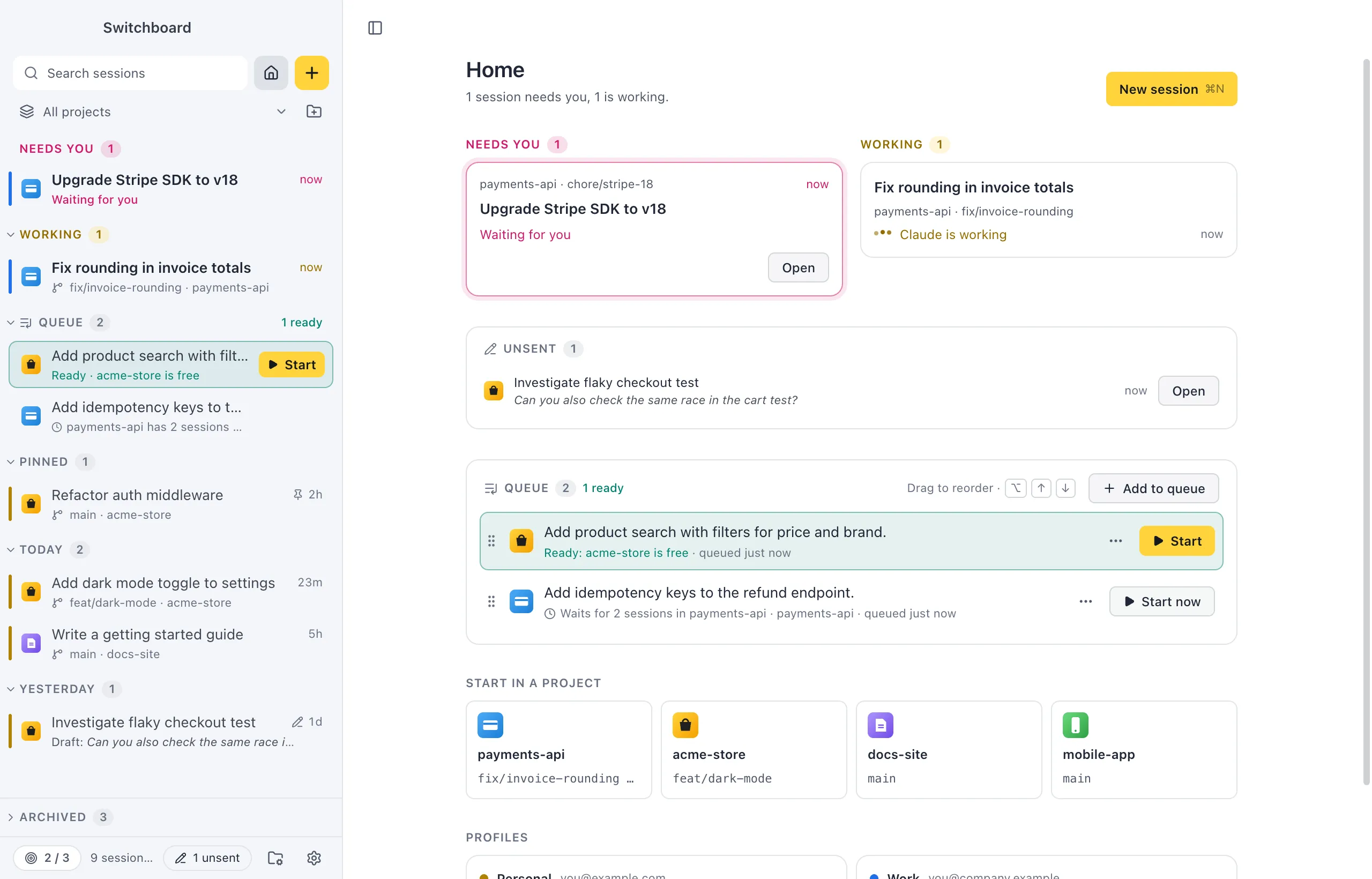
Home is what the window shows when no session is open. It tells you in one sentence what needs you and what is working, and gives you a quick way to start in one of your projects.
Open it
Section titled “Open it”- Press Command, Shift, HControl, Shift, H.
- Click the house button at the top of the sidebar.
- Choose Home in the command palette.
- Close the session you have open with the × in its header, or Close session in the command palette.
Switchboard also opens on Home, unless you choose otherwise in Settings.
What’s on it
Section titled “What’s on it”From top to bottom:
- The summary, such as “1 session needs you, 2 are working.”, and the New session button (Command, NControl, N).
- Needs you Needs you: a card per session that waits for you, with its project and branch, what it asks for (“Permission: Bash”, “Question”, “Plan to review”) and Open.
- Working Working: a card per session Claude is working on, with what it is doing. Click one to open it.
- Unsent: the messages you typed and didn’t send, each with Open. See Unsent messages.
- Queue: your queued prompts, with Start on the ones that are ready and ⋯ for the rest. See Queue.
- Start in a project: tiles for four of your projects, with the branch checked out and how many sessions are open there. Click one to open New session on that project.
- Profiles (or Usage with one profile): each Claude profile’s plan usage and what its sessions are doing.
Needs you and Working only show when there is something in them. With the window narrow, the columns stack.
Before you have projects
Section titled “Before you have projects”Without projects, Home says Add your first project with an Add a project button. See First launch.
Settings
Section titled “Settings”- Settings, General: On startup picks what Switchboard shows when it opens: Home (the default), The last session or New session. Project order picks which projects get a tile: Recent (the ones you used last) or Your order (the order you set in Projects).
- Show sessions from other apps in Settings, Sidebar adds sessions from the terminal, Claude desktop and your editor to Needs you and Working.