
Unsent messages
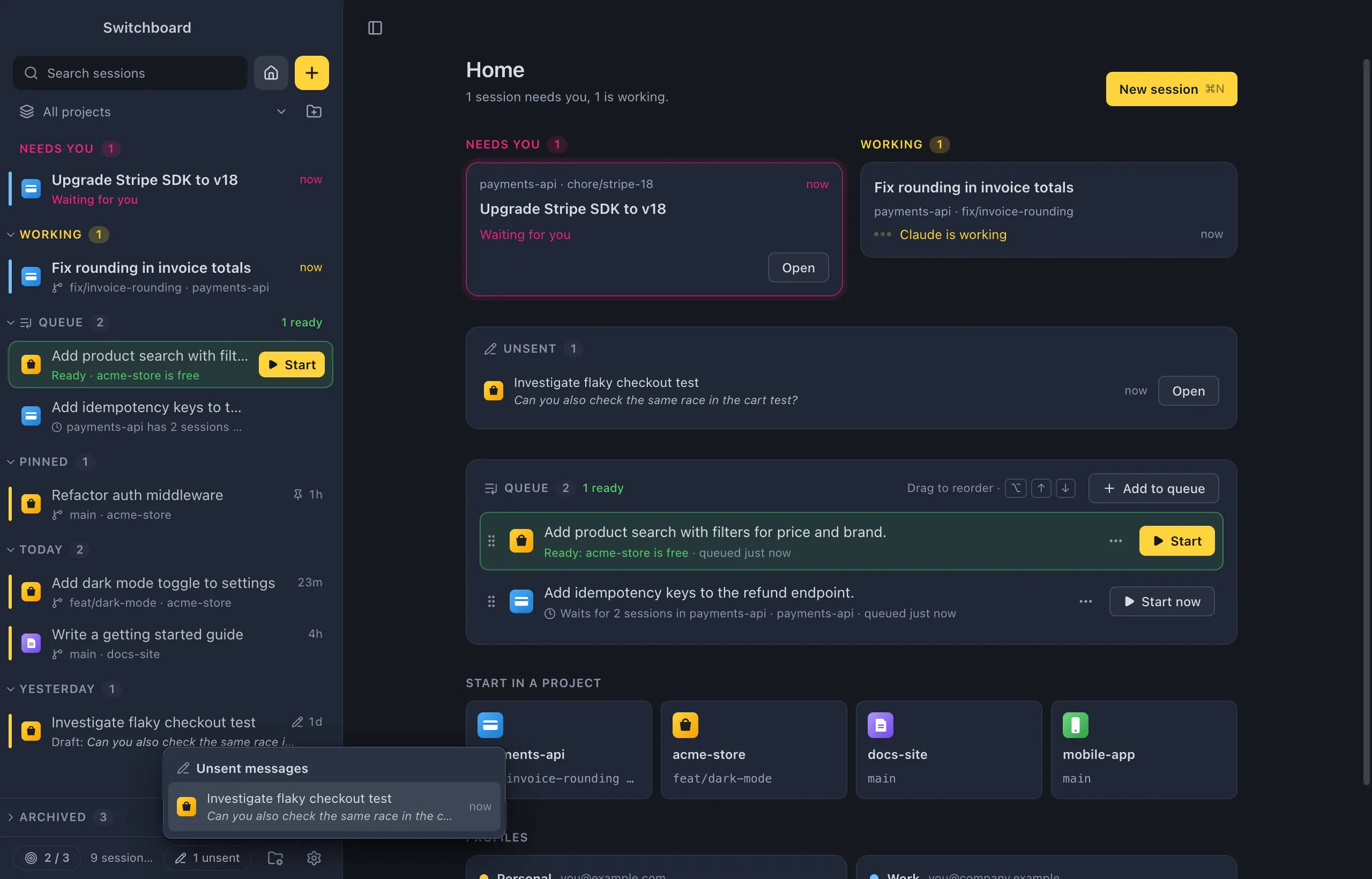
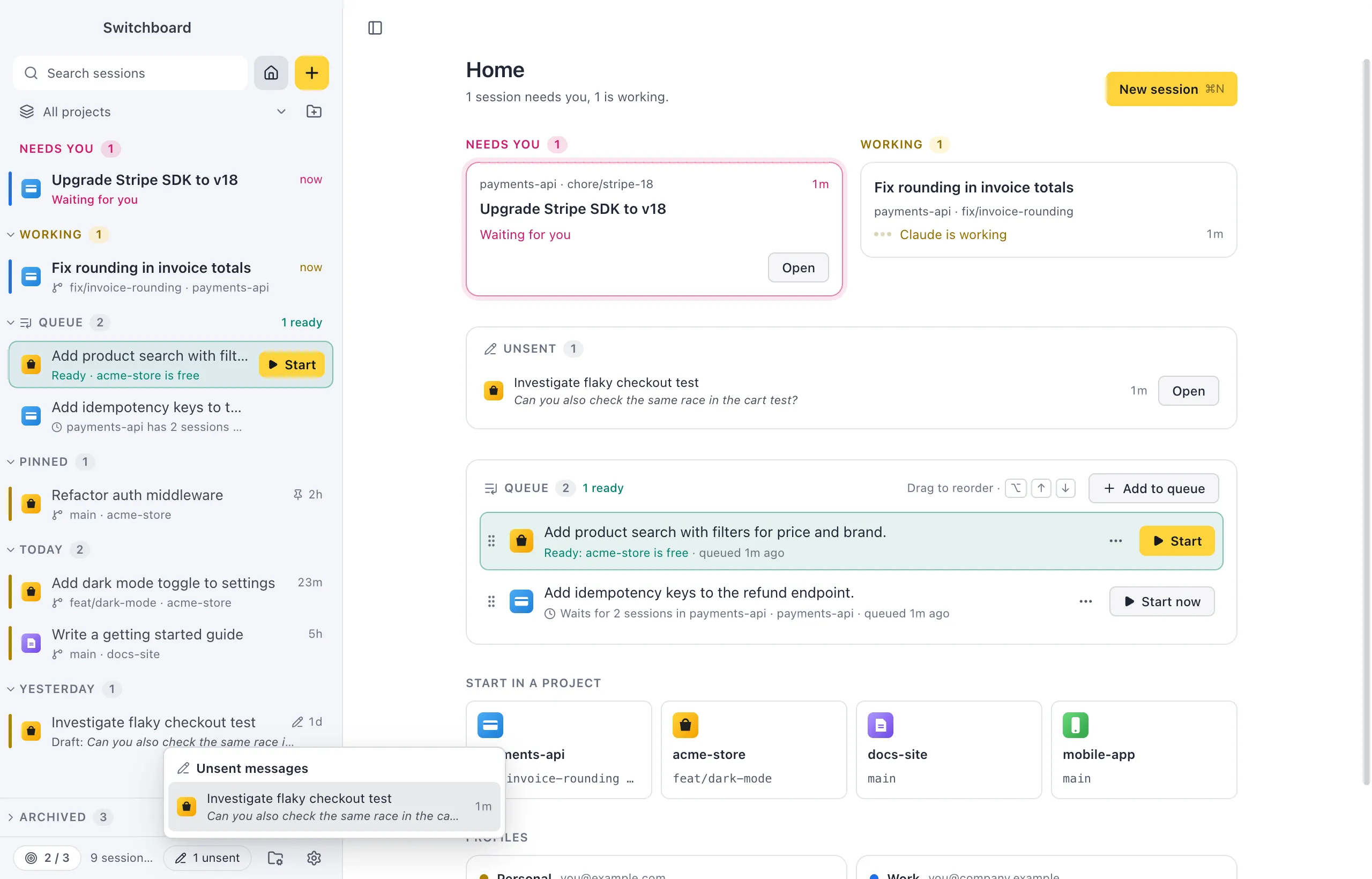
What you type in a message box and don’t send stays there: in a session, and in New session. Switchboard keeps the text when you quit and brings it back next time, and shows you where your unsent messages are.
Open it
Section titled “Open it”- Click the unsent pill in the sidebar’s footer (“2 unsent”) for the list.
- Choose Unsent messages… in the command palette.
- Command, PControl, P lists them at the top, under Unsent.
- Home has an Unsent card. See Home.
What is kept
Section titled “What is kept”- In a session: the text in its message box, and the context chips.
- In New session: one prompt per project, with the model, effort, mode and route (current checkout or new worktree) you picked for it.
Text is kept after you quit. Images you attached are kept while Switchboard runs, not after a restart; the message says how many weren’t kept.
Where it shows
Section titled “Where it shows”- In the sidebar, a session with an unsent message has a small pen next to its age, and a pen on its icon in the minimal rail. When nothing else is going on there, its second line shows the start of the message after Draft:.
- On the + button, a pen means you have an unsent New session prompt. Clicking + then opens New session on that project, with the prompt.
- Above the message box, a session you come back to says “Unsent message from 2 hours ago, kept for you.”, with Discard.
Find them all
Section titled “Find them all”Click the unsent pill in the sidebar’s footer. The list shows every unsent message, newest first, with its session or project and the start of the text. Pick one (or use Up Arrow or Down Arrow and ReturnEnter) to go there, with the cursor at the end of the text.
When you quit with unsent messages, the quit prompt counts them, with Show unsent to open the list instead of quitting. They are kept either way.
When it goes away
Section titled “When it goes away”An unsent message is removed when you:
- send it, start the session, or add the prompt to the queue;
- click Discard;
- delete the session.
Archiving a session with an unsent message asks first (Archive and discard the unsent message?), because archiving discards it.
Settings
Section titled “Settings”Unsent messages have no settings. The quit prompt that counts them can be turned off with Ask before quitting in Settings, General.