
Quick questions
A quick question is a session without a project. Ask how a command works, draft a text or think something through, without picking a folder first. Claude works in a scratch folder of Switchboard’s own, so there are no git options and nothing is added to your projects.
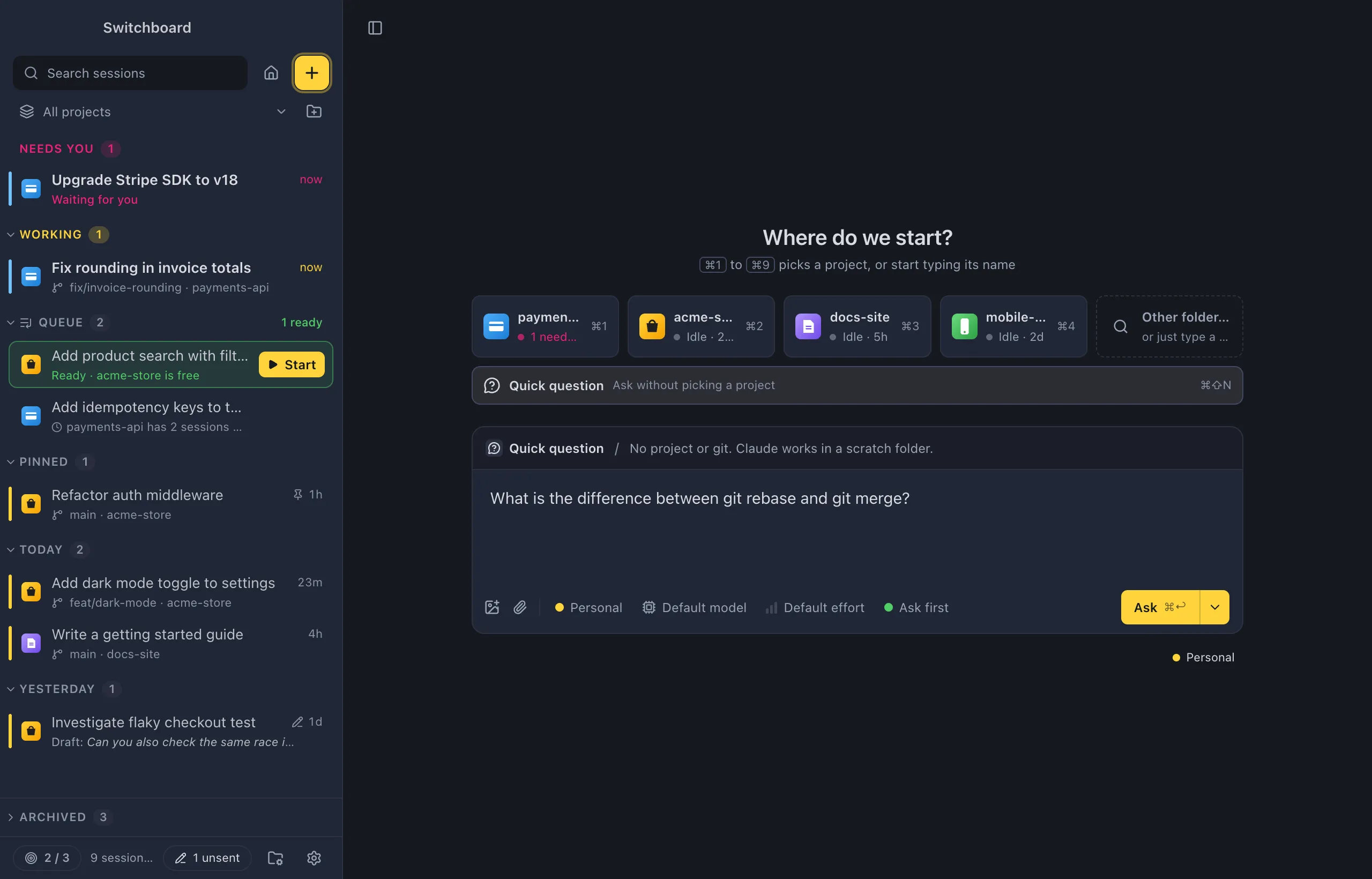
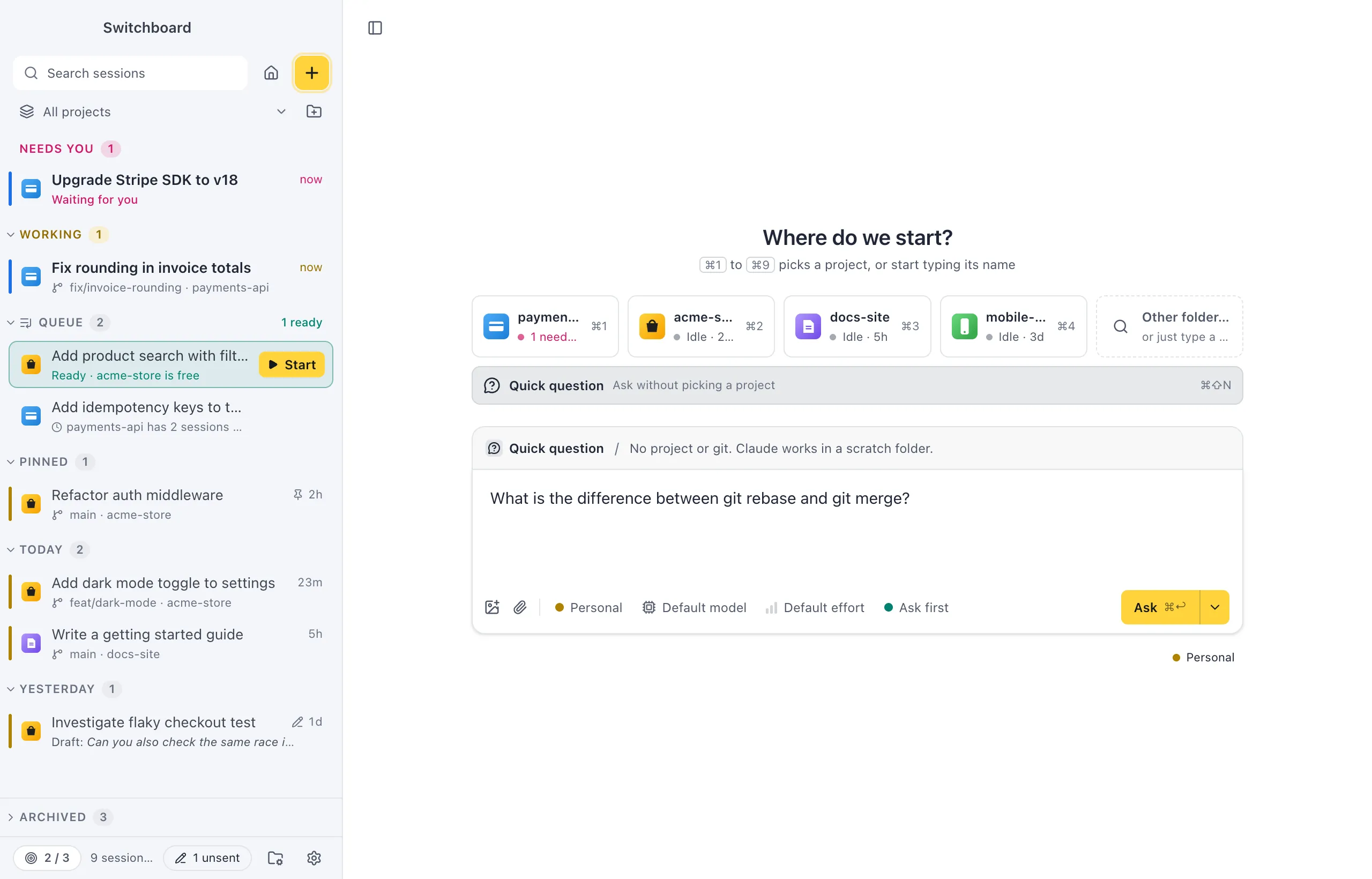
Open it
Section titled “Open it”- Press Command, Shift, NControl, Shift, N anywhere.
- In New session, choose Quick question under the project tiles (“Ask without picking a project”).
- In the command palette, run Quick question…. It goes straight to the prompt, with no project to pick.
- A
switchboard://new-sessionlink withquestion=1opens New session as a quick question. See Links.
Ask a question
Section titled “Ask a question”The strip above the message box says Quick question and “No project or git. Claude works in a scratch folder.” The message box asks “Ask Claude anything”, and the main button says Ask instead of Start.
- Type your question.
- Pick a model, effort and mode with the chips, if you want to. See Model, effort and mode.
- Press Command, ReturnControl, Enter.
Click Quick question in the strip to pick a project instead.
What a quick question leaves out:
- no branch, worktree or Update from remote;
- no project actions;
- no project defaults: it keeps its own model, effort and mode, the ones you last picked for a quick question. A quick question never starts in a mode that skips prompts (Auto mode or bypassing permissions); pick it again when you want it.
You can still add it to the queue from Start’s menu, attach images and add files as context.
Find your questions
Section titled “Find your questions”Quick questions are ordinary Claude Code sessions in one folder, so everything works as for any other session: the conversation, continuing it later, forking, search. Wherever a project’s name would show, they show as Questions, such as in the sidebar. They are not listed as a project in New session or in the Projects view.
Settings
Section titled “Settings”Quick questions have no settings of their own. The choices you make in the chips are remembered for the next quick question, apart from your projects.